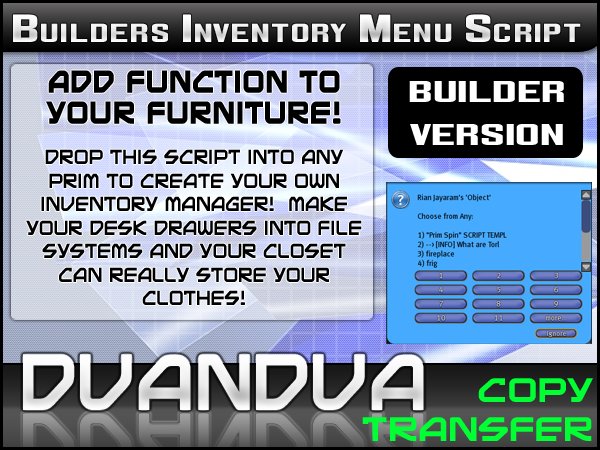

Builders Edition!
Turn your objects into a shared inventory system or just use the script to easily store and retrieve objects from any prim! Add value to your products!!
Drop the InventoryMenu script and the _config notecard into a prim. Goto the Tools menu and select "Set Scripts to Running in Selection".
Add any number of inventory items into the contents of the prim. Do not add any items that begin with a "*" - you will need to rename them.
Left click to get a menu of the items in inventory. Choose the number of the item that corresponds to it's description above the choices. That item will be delivered to your inventory.
Select the "System" menu for the following options:
<list of categories of available inventory items> (i.e. Notecard, LandMark, etc)
You will see categories of available inventory items (Textures, Notecards, Landmarks, etc). Choosing
one of these categories will display a selection menu with just the inventory items available in that
catagory displayed. If there are no textures available you will get the Access menu.
Access - brings up the access sub menu to set who can use the inventory menu (owner, group, all, or list)
This will allow you to set who has access to the inventory (owner, group, all, or list). The different level
of access may change the choices available due to different permissions for the inventory items.
Update Name - reads the description field of the object and update the displayed information
Contents - lists the contents in your chat window.
Clear Inv - clears all non-excluded inventory items from the box. Warning - make sure you have your inventory
items backed up if you want to keep them!
Excluding Inventory Items
You can exclude inventory items from the selction menu by editing the _config file in the inventory and
adding the file names, seperated by commas, you want excluded to the line:
ExcludeItems=_config,<your inventory item name>,<another inventory item name>
The spelling and case must be exact.
Allowed User List
You can create a list of avatars that can access the inventory items by adding there names to the _config file on the line:
AllowUsers=Rian Jayarm,Mary Highlander,<another avatar name>
Artikel in Second Life anzeigen

Love this
Very Awesome Menu System, does exactly what it says it does. Just simple to use.
Once i finally figured out why the script itself kept showing up in the menu and fixed it this thing worked like a charm!! yay!! very nice. gonna get lotsa use outta it.