
Welcome Board: Appara Solutions
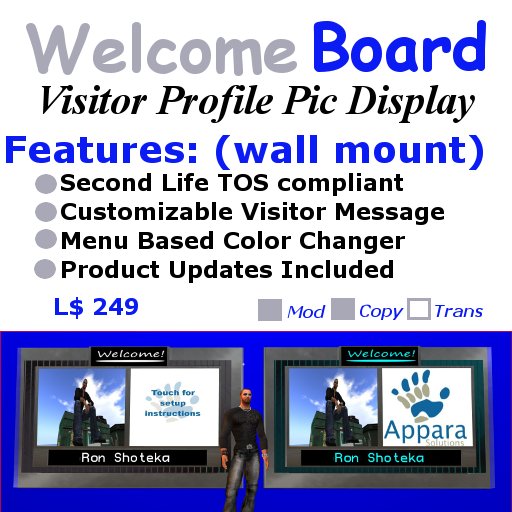
Welcome Board is a perfect solution to greet your visitors and displays their profile picture as well as there name. Appara Welcome Board is SL TOS compliant as it has a dialogue box that requests permission from each visitor to display their profile picture before doing so.
Features Include:
- Smart scan feature prevents Avatars from getting questioned more than once during a single visit.
- List of all individuals who have opted to have their profile picture displayed.
- Change Welcome Sign and Text Color via a menu
- NoteCard configuration allows you to set range rate and other features
- Customizable visitor authorization message configurable via notecard.
Quick Start Instructions:
1. Rez the welcome board
2. Edit the "Welcome Board Message Notecard" notecard with your desired message.
- Note: The default message is TOS compliant.
3. Add your Club or shop logo. There are two ways this can be done and are defined below.
- ctrl-drag the texture from your inventory into the sign and the image will automatically be displayed.
- go into the edit menu for the board and click the select texture radial button and select the appropriate area where you would like to add your custom texture.
4. To change the Color of the name display text and the Welcome of the sign simply touch the board and select color from the menu.
5. Click Help in the menu to get these instructions
A floor mount version can be purchased in world.
http://slurl.com/secondlife/Fountainhead/70/212/61
Please IM Ron Shoteka if you have any questions or assitance.
See item in Second Life