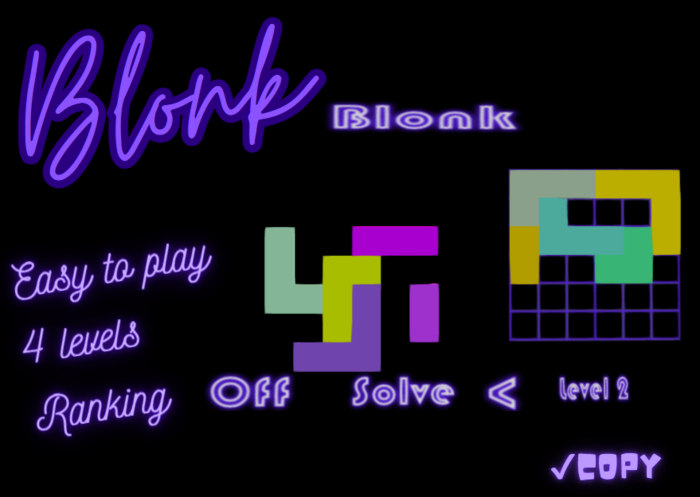
The board is only 1 prim, but each block rezzed is also 1 prim.
Blonk is easy to use and very intuitive.
You start the game by clicking "On" button. The blocks are set up automatically and you start at level 1.
Select blocks by clicking on them. The selected block flashes and a black dot appears on it.
When you select a block, if a block was previously selected, it is automatically deselected.
You can move the selected block by clicking in the grid on the square where you want to place it. The black dot on the selected block corresponds to the block's position on the grid where you click. You can't rotate blocks.
To remove a block from the grid, simply click on it. It will return to its original position.
The game ends when you manage to place all the blocks on the grid.
At any time you can click on "Solve" to see the solution, but of course the game won't be counted as a success.
Ver el artículo en Second Life- Easy to play
- 4 levels
- Ranking
