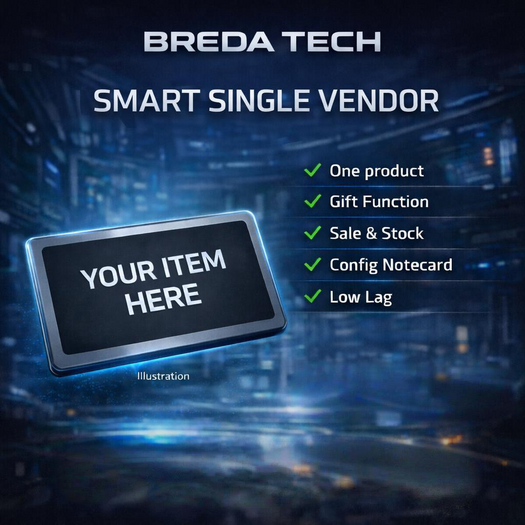

BREDA TECH – Smart Premium Single Item Vendor
A smart, lightweight premium vendor for a single product — perfect for stores, events, fairs, and new releases.
Easy setup, reliable delivery, clean menus: Price, Sale, Stock, Product Info and Gift function included.
────────────────────────────────────────
INCLUDED / REQUIRED CONTENT (Vendor Inventory)
• CONFIG (Notecard)
• PRODUCT_INFO (optional, used for the info feature)
• Your product (box, HUD, item, clothing, etc.)
• One texture (product preview image)
• Vendor script (runs automatically)
────────────────────────────────────────
SETUP (CONFIG Notecard)
Open the CONFIG notecard and set your values, for example:
TITLE = Smart Premium Single Item Vendor
COLOR = <0.0,1.0,0.0>
PRICE = 250
PRODUCT = MyProductBox
SALE_ON = 0
SALE_PRICE = 199
STOCK = -1
TEXTURE =
Important:
• PRODUCT must match the exact name of the product inside the vendor inventory.
• STOCK = -1 means unlimited stock.
• TEXTURE can stay empty (auto texture selection is available).
After changes:
Right click → Touch → Owner menu → RESET
or
Edit object → Reset Scripts
────────────────────────────────────────
RECOMMENDED PERMISSIONS (Next Owner)
Vendor Object:
• Copy: YES
• Modify: NO
• Transfer: YES
Vendor Script:
• Copy: YES
• Modify: NO
• Transfer: YES
Notecards & Textures:
• Copy: YES
• Modify: NO
• Transfer: YES
Product (Box/Item/HUD):
• Copy: YES
• Modify: NO
• Transfer: YES
────────────────────────────────────────
OWNER MENU (Touch as Owner)
Main options:
• INFO – Shows current settings
• TURN OFF / TURN ON – Disable/enable vendor
• SALE ON / OFF
• TEST MODE ON/OFF – Simulate customer mode
• SET PRICE – Set a new price
• SET PRODUCT – Set product name
• SET STOCK – Set stock amount (-1 = unlimited)
• COLOR – Hovertext color
• TEXTURE – Choose product texture (1–9) or AUTO
• RESET – Restart vendor
────────────────────────────────────────
CUSTOMER MENU
A normal customer sees:
• GIFT – Gift function
• INFO – Product info + notecard (if included)
• CANCEL
Owner (in Test Mode) additionally sees:
• OWNER MENU
────────────────────────────────────────
GIFT FUNCTION (How it works)
1) Customer clicks GIFT
2) Vendor asks for the receiver UUID
3) Customer pays the amount
4) Product is delivered to the receiver
5) Both receive a confirmation message
────────────────────────────────────────
PRODUCT IMAGE / TEXTURE
Owner menu → TEXTURE
• Vendor lists all textures in the inventory
• Choose 1–9
• Or use AUTO for automatic selection
────────────────────────────────────────
TROUBLESHOOTING (Quick Fix)
Vendor shows “no product”
• Product name does not match
• Fix PRODUCT in CONFIG or set it via Owner Menu
Buyer does not receive the product
• Make sure the product is TRANSFER
• Script must not be MODIFY
• Product must be inside the vendor inventory (same object)
GIFT does not work
• UUID was wrong
• Buyer must pay again
• Vendor displays a correct error message
Permissions / Packaging:
Scripts are delivered as no-mod / no-transfer for reliability and support. The object itself can be copyable depending on the box you use.
- Single Item Vendor mit Sale & Stock System
- Gift-Funktion (UUID) + Automatische Info-Notecard
- Split-Pay / Provision für Partner
- Erweitertes Owner-Menü (Color, Texture, Price, Stock)
- Produktbild-Display + einfache CONFIG-Notecard
