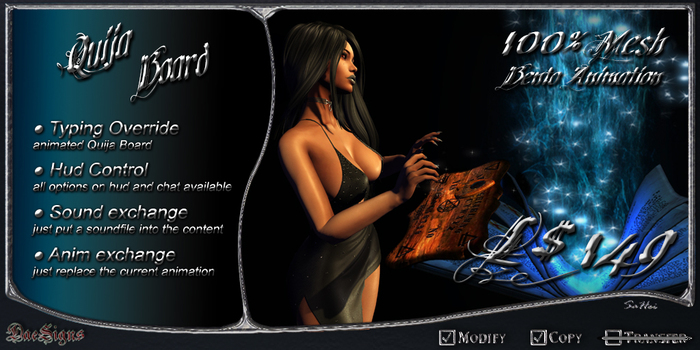

Typing Override *DS* Quija Board + Control Hud
The planchette moves around the board while typing in chat.
Here you will find all necessary informations about this typing override.
As you see, like since years you can change all options with the chat commands.
Additionally you can use the "*DS* Typer Control HUD" to change the options
*DS* Quija Board Commands:
/7help = this text
/7reset = resetting
/7adjust = show for appearance
/7color +RGBcode = change the light color
/7sound on | off = toggle typing-sound
/7loop on | off = typing-sound play looped or one-off
/7vol 0 - 10 = typing-sound volume
✣ For your own typing-sound put a soundfile into the object.
✣ You can replace the current animation with your own.
Contents:
*DS* Quija Board Typing Override with Bento Hand-Animation
*DS* Typer Control HUD for easy change the options
Fullperm Materials for the Quija Board to individualize the design
DEMO available inworld only by touch the Vendor.
Voir l'article dans Second Life- Typing Override animated Quija Board
- Hud Control
- Sound exchange possible
- Animation exchange possible
- works in no script areas & without typing preferences


