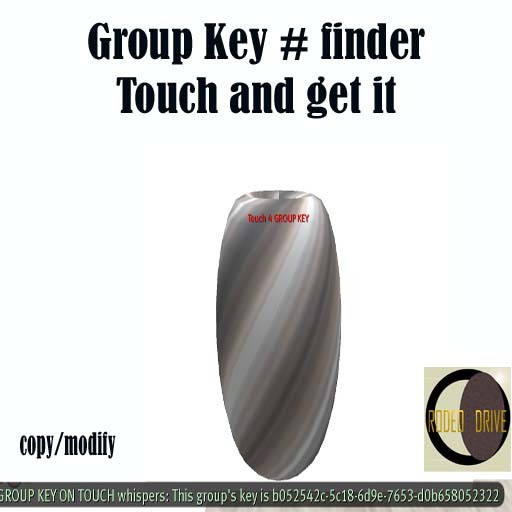

You need your group key for many purposes when you are setting some objects. To use this tool you need to be a member of this group.
You can have the key in 2 ways:
1. Activate on you the group tag (communicate/groups/right click the group/activate), rezz the tool and touch it, you'll get the key in the local chat immediately.
2. With any other tag on you; Right click the tool, select edit/general tab/ below the name of the owner says group/click the wrench image and select the group, close the edit box. Touch the tool, and you'll get the key in the local chat immediately.
You can change the groups with the same instructions above and have the Key numbers of all the groups you belong to, instantly.
The tool works with LL information systems.
To get other avatar's key numbers, objects UUID, lands UUID, etc check the links below.
- Instant key #
- You need to be a member of the group.


