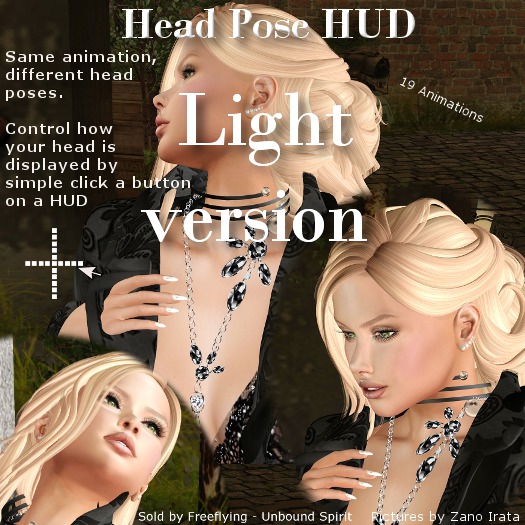

Unbound Spirit - Head Pose HUD (light version)
The HUD to help get that Perfect photo shot, by letting you turn your head left/right/up/down.
Transfer version, so you can give it to your model, during a photoshoot.
HUD can also be used during talks and cuddels to give extra interactivity.
How to use the HUD:
Add the HUD. It will attach on your screen at low center.
You can move the HUD as needed or attach to other areas of your screen.
To Change head position:
Click any of the little white squares to move your head.
There are 19 squares in this light version, each adjusting your head. The placement of the square, indicates in what direction your head will be moved, so you can quickly find the best head position.
To stop:
Click the active (red square) to stop the animation.
You can also click the big picture to stop animation.
Trouble shooting:
If an animation does not play, it can be because another animation with higher setting is overruling it.
Try clicking menu > Avatar > Avatar health > Stop Avatar Animation & Revoke Permissions.
Click the HUDagain.
If the animation still does not play, then please contact seller.
- Head Pose HUD
- 19 Head Poses
- Perfect for taking photos


No angled poses

The lite version, you can only move your head up, down, or left or right. There are no angular poses in this version. Just a heads up. A comment like this would have helped me from having to purchase this and then the full version to get what I needed.
Go buy the Full version!!
If your not that picky and just want decent photo's this HUD is perfect for novices. As someone who has really started getting into it I would say don't waste 10L here deciding if it is worth it, just go get the full version. So simple to use and you can get JUST the look you want out of just about any pose.


