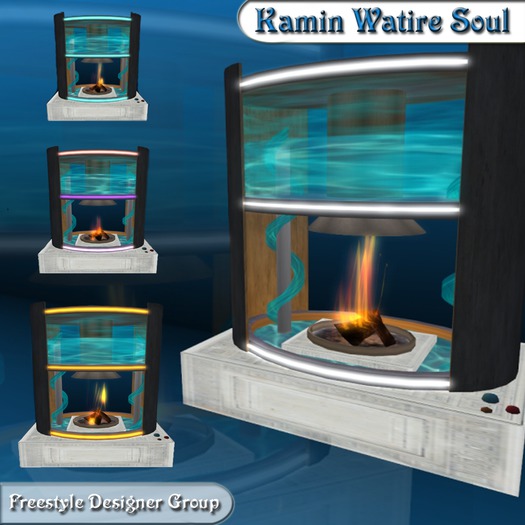

Thanks for the purchase of this object.
o COLOR EFFECT o
> Manual use the color change (simple click with the left mouse key on the Rings, menu appears)
< Automatic color change > Channel 105 (!!! IMPORTANTLY!!! - Before the change to the manual mode say in the chat /105 stop)
* Example *
/105 start => start the color CHANGEs effect
/105 stop => freezes the color CHANGEs effect
/105 more faster => makes the effect twice as nearly (WARNING May cause was appropriate for on the whole Sim RK high speeds)
/105 more slower => makes the effect helped as nearly
/105 RESET => sets color bake ton pure talk, useful tons sync multiple items
EXTENSION:
/105 saturate => augments the saturation up 10%
/105 desaturate => decreases saturation by 10%
/105 alpha => makes the object 10% more transparent
/105 dealpha => makes the object 10% less transparent
/105 transparent => makes the object fully transparent
/105 opaque => makes the object fully opaque
/105 change => manually triggers the color change saturation control only affects the sequential fade effect
/105 toggle => toggles between sequential and random color change
/105 clear => stops the effect and sets color to white
