
READ READ READ READ READ READ READ
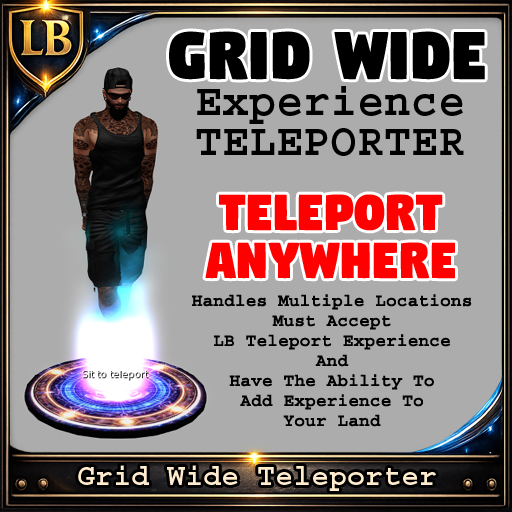
You must add the LB Teleport experience to any land you plan to use these on. If you do not have permission to add an experience this teleporter will not work for you!
_________________________________________________
Add Destinations:
1. Edit the teleporter and go to the contents tab.
2. Double click the Destinations notecard.
3. Add any location you want by pasting the SLURL in
You can just add the SLURL like this
http://maps.secondlife.com/secondlife/Zebrasil/163/78/23
and let it name itself.
OR
You can add a label so the button shows the name you want like this
Info Hub|http://maps.secondlife.com/secondlife/Zebrasil/163/78/23
You can add many many many SLURLs in with or without labels.
4. After saving you will see it say in local chat
LB Grid Wide Teleporter: Loaded X destination(s) from Destinations
LB Grid Wide Teleporter: Tip: Use Label|SLURL in the notecard to name buttons.
5. Sit on teleporter and a box will pop up asking you to to accept the experiance.
6. Click yes then select your destination you would like to go to.
_________________________________________________
Teleporter is Copy/Mod
Notecard is Copy/Mod/Trans
Script is Copy
Pose is Copy
Change textures and colors all you want on the pad or use your own pad by taking the guts out and putting it in your own prim or object