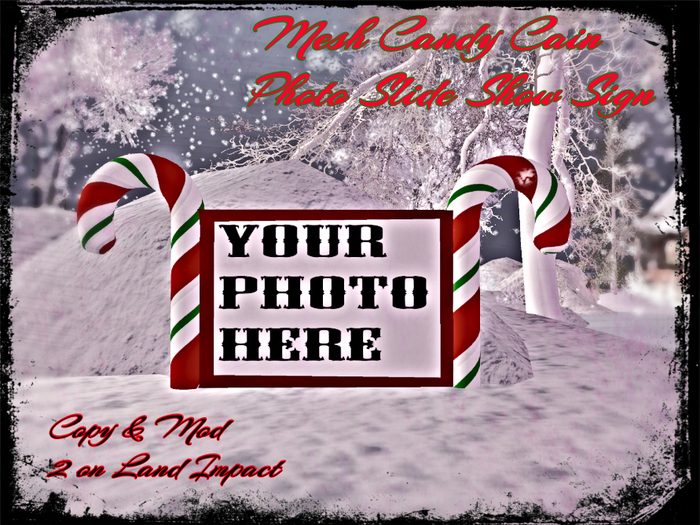

The Mesh Candy Cain Photo Slide Show Sign:
Great for your sim lands, stores, clubs, clans, or home decorations!
Use it to display your holiday cheer by showing off your holiday memories of your friends, family, loved ones or any holiday gathering!
It's simple to use just unpack, rez where you wish to be displayed, and drop your own snap shots, photos, or textures into the CONTENT area of where it says Your Photo Here.
Unsure on how to do this correctly than please follow these easy steps stated below:
1. Right click the object and go to Edit.
2. Click Content if it isn't already on
3. Than drop any & as many of your photos or textures you like into that area. (( Hence, Drag & Drop from your inventory to the objects Content Tab. ))
4. Close it
5. Click the sign and a menu will come up with options such as On, Time, Random, and Off.
6. NOTE: The time is currently set to scroll photos within 20 seconds, but feel free to turn the sign / banner off before you select the time in the menu to change it as desired.
7. After that Hit On and your all set.
8. Also, don't worry it item is Copy & Mod. but does show up as No Mod. in your inventory due to it's script inside which is NO Mod.
If you need further help with this item please send Evilmogan Resident a IN WORLD NOTE CARD and I'll be happy to help.
Other than that Enjoy and Happy Holidays!
- Christmas
- Home
- Decoration
- Scripted
- Mesh


