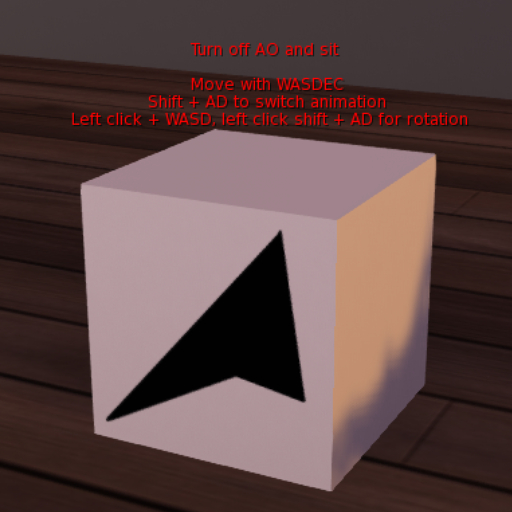


[Overview]
This item simplifies the process of "playing the animation, sitting on the transparent prim and adjusting the position" for shooting.
Once you sit on it, it automatically becomes transparent, and you can fine-tune its position with key operations.
It can be used to sit in places where it is not originally possible to sit, or to create the illusion of three people sitting on furniture designed for two, etc.
Permission is granted to copy only.
However, object parts can be copied and modded.
[Attention]
This item does not need to be opened.
It does not work properly in full-width input mode.
This item can only be used on land with REZ authority.
[How to use]
Use WASD to move back and forth, left and right.
Use EC to move up, down, up, down, up, down.
Left-click and hold WASD to rotate back and forth, left and right, and tilt.
Left-click and hold Shift + AD to rotate clockwise left/right.
[Customization]
Although animations are not included in the package, you can use your favorite animations by inserting your own animations into this item.
Shift + AD to play the next animation, and Shift + AD to play the previous animation.
The following items can be customized to some extent by changing the contents of the included config note card.
Behavior of description
Behavior of fixed camera
Amount of movement
Amount of rotation
This product will work even if you change the textures and shapes.
If you encounter any problems, please let us know by both IMing us and sending a note card to hazama.zero.
