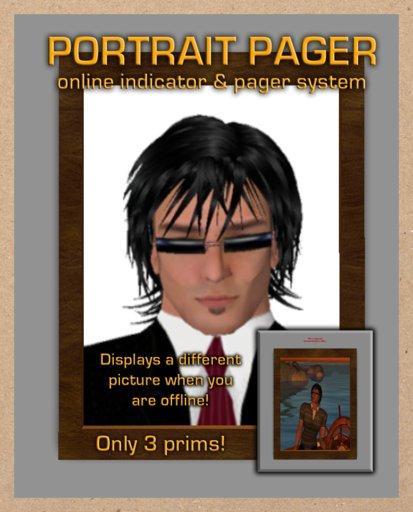

When you are online, the "Online" texture will be displayed brightly and the hovertext will appear green. When you are offline, the "Offline" texture will be displayed and will not be as bright, and the hovertext will appear red. Once someone has clicked the Portrait Pager, you will receive an instant message indicating who has requested your assistance and from where.
This product is extremely easy to use, and requires very little configuration. You will need two textures for your Portrait Pager, one named "Online" and one named "Offline". Delete the two textures which ship with the Portrait Pager, and add your own.
Edit the Portrait Pager and change the description to alter the top line of hovertext, for example... you could use "Click the pic to page me". Clicking the Portrait Pager as the owner will reset it. Once you have edited the description, or renamed the device, click it to reset the scripts and initialize the Portrait Pager with the new settings.
That's all there is to it, enjoy!
====================================
CHANGE LOG
====================================
Version 1.1 - October 1, 2008
- Bug Fix: When the owner of the pager was offline and the pager was clicked, an error would be thrown.This has been corrected.
- Indicates whether you are online to your visitors
- Allows your visitors to page you with a single click!


An excellent product, with friendly customer service provided.