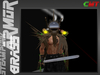
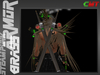
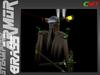
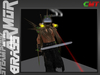
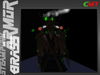
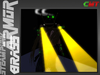
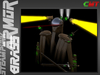
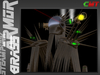
You get the following parts:
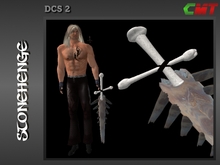
SP-003 brass 7 electr (DCS 2 sword)
it is invisible until you touch the draw/sheath function on HUD. Use arrow keys and mous to fight. use mouse pressed to get angarde-position (Change with pose-menu on HUD). This sword is made for Show effects but it may also be a good weapon on DCS 2 based sims.
SP-003 brass 7 electr big L (sheath ohne script)
SP-003 brass 7 electr big R (sheath ohne script)
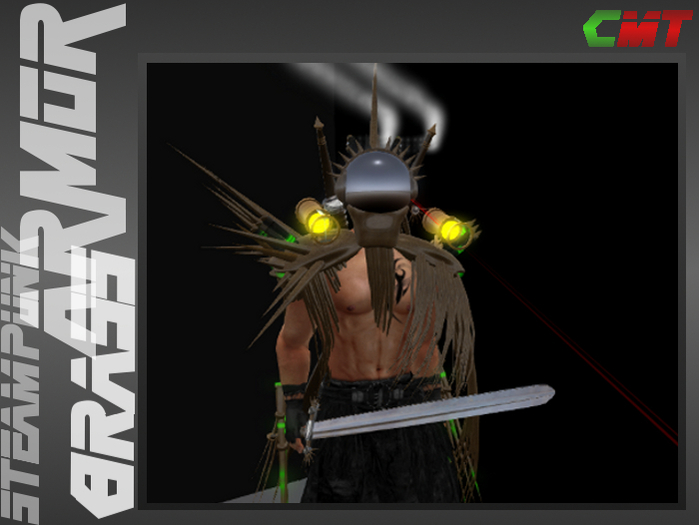
two swords worn on back. If you use the draw/sheath function on hud they will change to "combat-mode" (showing additional Spikes)
SP-003 brass Carbite lamp L
SP-003 brass Carbite lamp R
touch the lightbeam to turn it on or off.
SP-003 brass shoulder L III
SP-003 brass shoulder R III
Shoulder armor. If you use the draw/sheath function on hud they will change to "combat-mode" (showing big spikes)
SP-003 brass skull VI
Helmet. If you use the draw/sheath function on hud it will change to "combat-mode" (showing big Spikes)
SP-003 brass VielZassel
additional brass "hair"
SP-003 Ziellaser 6
targetting laser. Touch the beam to turn on/off
SP-003-B brass claws green light L (wear)
SP-003-B brass claws green light R (wear)
claws with animated effects
SP-003 Hud V3.4
SP-003 brass HUD connector (wear)
wear HUD and connector to get fully sword functions and combat mode for the parts as described above.
Most of the armor parts have scripted effects, the helmet has additional particle effects
...i did not Count the prims, because the armor will be worn....
- DCS2 compatible
- many functions
- HUD included
- Carbide lamps with light function
- armor has "combat mode"