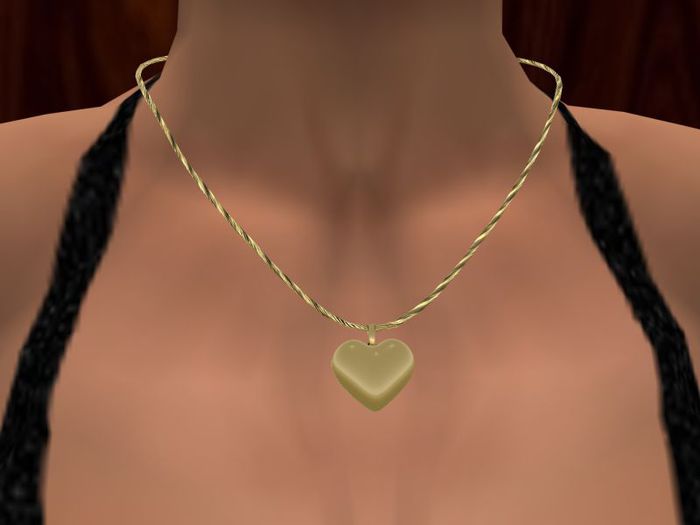
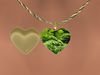
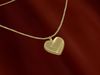
This pretty gold necklace has a petite round dome pendant with a photo area to show your pictures. You can touch the cord to change pictures.
Touch the Cord to get a menu of options: Picture Change, Metals color change and Open/Close.
Touch the locket cover to open and close it quickly.
To add your own textures or photos, use the Edit command. In the Contents tab you should see the existing script and textures/photos. Slide your new photos from inventory into this contents and exit the Edit command. Touch the cord to see your picture, You can also delete pictures from here. Just don't delete the script.
It comes with demo pictures that you can delete if you wish.
Modify so you can resize: To resize, use the Edit tool - turn on the Stretch option and push/pull the white blocks to resize.
Transfer for gifting.
Free pose stand included.
See my other versions!
- Metal Color Change
- Touch the cover to open/close it
- Touch the cord to move to the next picture
- Add your own pictures