
詳細
設備
コンテンツ
レビュー
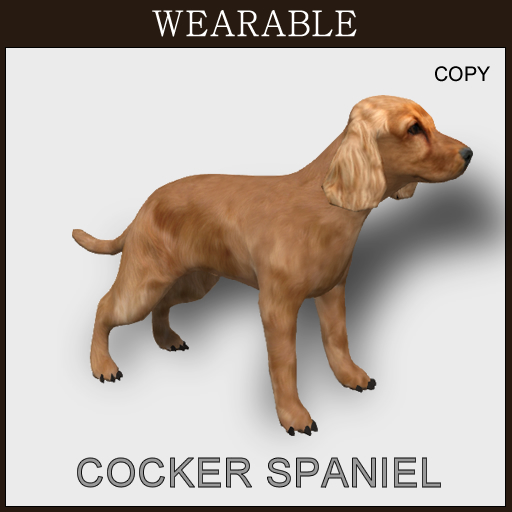
<Wearable Pet>
* Mesh, Copy
* Wearing
- after wearing the pet, touch the pet and click "Start", then pet starts to animate.
- if you want to change the setting, you must "Stop" the pet before change.
*Walk, run and gestures ( sleep, stand, sit1, sit2, up, roll, lefthand, righthand)
- gestures can be selected in "Order" menu
- or chat command "petname gesture" ex) petname sleep
- to use chat command, you should make pet name.
*Naming
-select "Naming" and click "Yes", then type "$petname" in chat.
*Greeting
-When other people click the pet, it says your greeting messages.
[ Modify Greeting Message ]
Right Click the pet-> Edit-> Content -> Open "greeting_note" -> Write greeting messages -> Save


![[TomatoPark] Bald Eagle Mesh](https://slm-assets.secondlife.com/assets/15362432/view_small/eagle_box.jpg?1477062277)


