

Details
Features
Contents
Reviews
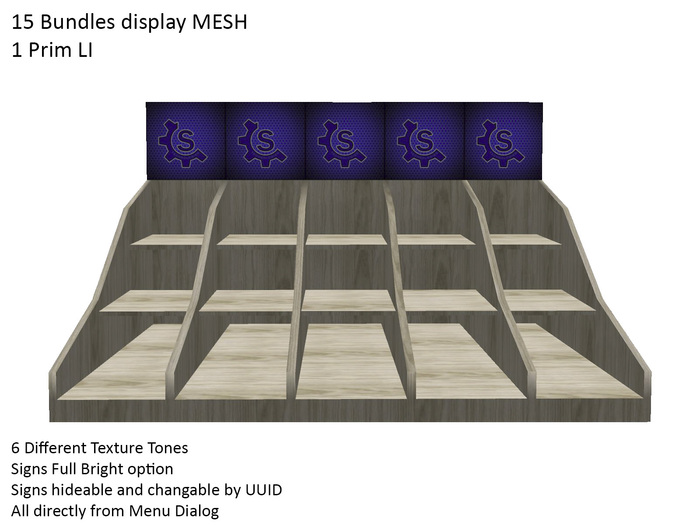
The Bundles Display is only 1 prim of LI
FULL MESH except for the sign
- 6 Different texture tones as in images
- Sign Full Bright On/Off
- Sign Show/Hide
- Touching each face of the sign, you can simply change the texture by UUID from a simple textbox.
- LOW LAG script
How to retrieve the UUID of your inventory textures?
- Go in your textures inventory folder
- Select a texture uploaded by you or with permissions
- Right click on it and choose from the menu the option "Copy Asset UUID"
- Touch the face of the Bundles Display you want to change and paste (CTRL+V) in the textbox your UUID
- Click the Textbox Send button
DONE!
See item in Second Life
Average rating:

very cool
are great but a pity that you can not edit and dye.
because version with 3 compartments would be very cool
Comments (0)
Permalink
Flag this review


