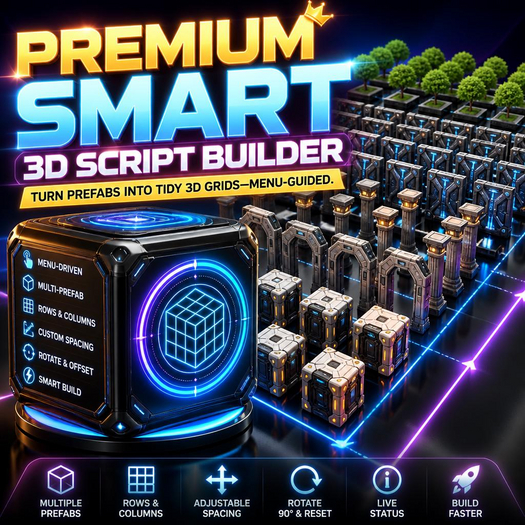

Premium Smart 3D Script Builder | FULL PERM SCRIPT! | Turn prefabs into tidy 3D grids—menu-guided.
- Menu-driven build flow (touch to open Builder menu)
- Rez-based grid generation using prefabs stored in this prim’s inventory
- Select from multiple configured prefab names (Next Prefab)
- Configurable rows and columns for fast layout scaling
- Adjustable spacing in X/Y plus a Z-based offset progression
- Rotation control with “Rotate 90” and “Reset Rot” for consistent orientation
- Automatic per-cell placement using rez origin offset and object rotation math
- Inventory validation + missing-prefab warnings to prevent failed builds
- Build status readout (active prefab, dimensions, spacing, available prefabs)
- Single-user dialog with timeout protection for cleaner UX
Create structured 3D layouts in Second Life with the Smart 3D Builder Script. This script lets you smartly generate model layouts by rezzing preset object templates (prefabs) from this prim’s inventory, then automatically places them in a configurable rows/columns grid. Simply add your prefab objects into the builder’s inventory, then touch the object to open the builder menu—select the active prefab, tweak spacing, adjust row/column counts, and fine-tune rotation/rez offset. With one-click “Build,” the script rez-spawns the objects, calculates their positions and rotations per cell, and updates you with live status so you can iterate fast and keep your builds consistent.
Use Cases:
- Build modular sci-fi wall segments in a consistent grid
- Generate decorative prop mosaics using different prefab templates
- Quickly prototype room layouts with repeated architectural pieces
- Create stylized floor patterns by rezzing floor prefabs
- Arrange foliage clusters (tree/bush) as a structured scatter grid
- Prototype dungeon tiles with pillars, arches, and walls
- Set up training obstacle courses using repeated prefab waypoints
- Generate event booth backdrops with panel-like prefabs
- Place signage or billboards evenly across a display area
- Create landscaping stepping-stone layouts with precise spacing
- Make game-like arena structures using repeated cover elements
- Batch-produce interior trim arrays for modular builds
- Design modular platforms and stair-adjacent platforms in rows
- Test different rotation/spacing settings before committing to final builds