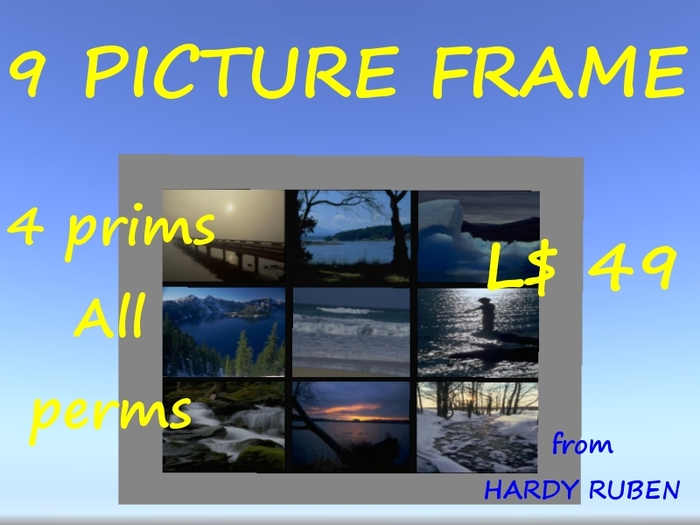
9 Pictures Frame - 4 prims. inclusive pictures.
Easy to use. Just rez the frame and drag the pictures to the Content. You are done and you make as many copies as you want and use them as gifts with the permissions you decide.
If you want you can click the frame and from a frame choose one of 10 textures and for each 9 tinting colors. In all 90 different frame designs plus one where the frame is transparent and only the pictures can be seen.
The frame is modify so you can also use Edit to change the design. Then the design possibilities are infinite. You can also resize the frame but unless you have some building skills you cannot change the pictures ratio: 4:3.
The frame seems to be with full permissions but it is really not the case, When you see the frame in your inventory for the first time it says no modify and no transfer. The no modify is because of the scripts. The frame itself has full modify permission. The no transfer is temporary. As soon as you rez the frame to add pictures transfer permission is activated but you cannot give a frame away before it has been rezzed. When the frame changes owner after being rezzed the script is deleted and the pictures cannot be changed and the menu driven design can no longer be used. The frame can still be changed by using edit and is copyable and transferable unless you have restricted it.
INSTRUCTION:
DO NOT COPY THE FRAME USING SHIFT+DRAG. The copy will not contain a script. If the script is deleted (see later) you can use SHIFT+DRAG else only copy in inventory or rez as many copies you want from the inventory.
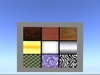
Rez the frame. Right-click and Edit. Click Content. Delete pictures you don't want (it is delivered with pictures of the frame textures - see pictures.) DO NOT DELETE THE SCRIPT.
Drag pictures (snapshots and/or textures) to the folder. The 9 first (alphabetically) are shown in the frame starting from upper left corner.
If you want to skip positions add the included blank texture and rename so if fits alphabetically in the order of the pictures. If you want to give the frame away be sure all the pictures are transferable.
Once the pictures are shown correctly in the frame you can delete them from the Content to prevent unwanted distribution. Delete the script before you delete the pictures or the deleted pictures will be removed from the frame.
Change the next owner permissions in the General tab according to your wishes.
This method is used to make it possible for you to use the frame as gift without paying a lot for a full perm version.


Sweet picture frame. Easy to use.
Low prim good value. Easy to use.


