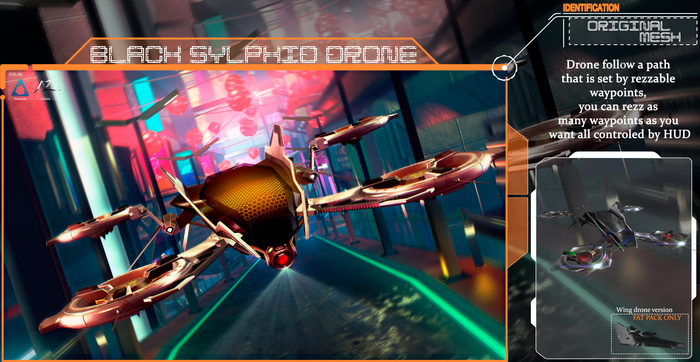

Drone system with two great looking and detailed models, customizable hologram display and totally configurable paths!
This is part of a collab between AiiZawa and Tetranodo, released on the 1st Cyberfair of 2021
= = = = = = = = = =
To get started, wear the hud, then click on the image of your desired drone
It will be rezzed right in front of you. Wait until you can see it (if it doesn't appear, make sure you do have rezzing rights on the parcel you are currently at)
Once it appears, you can start creating waypoints to control where it will navigate to.
Just click on 'New Waypoint' on the hud, and move/rotate the arrow to the position the drone should go to. Repeat the process, creating as many waypoints as needed
Once you are done creating all the waypoints, click on 'Reconfig' for the drone to learn the new path
Then click on 'Start', and watch the drone following the configured course!
***
If you'd like to make any change, just move the arrows to adjust it to your preference, and then click on 'Reconfig' again, for the drone to relearn the new path.
You click on 'Hide Waypoint' to make them invisible (They will be back to visible whenever 'Reconfig' is selected)
This way you can always adjust the desired route.
You can choose to 'Delete Waypoints', which will save on land resources usage, but leave the drone with the last configured path.
