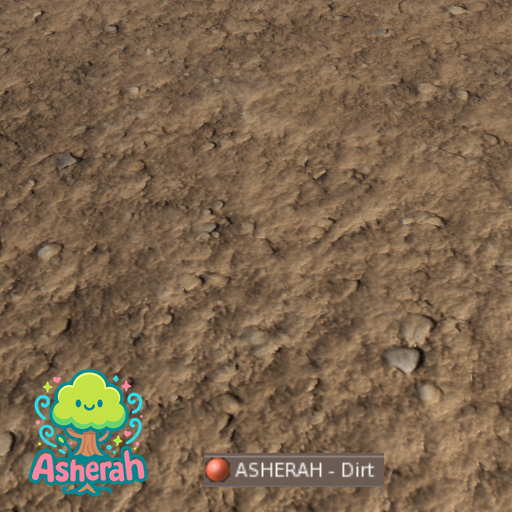

This material pack provides ASHERAH - Dirt on the Ground designed to bring photorealism to your builds in Second Life. The scene is crafted to replicate a dirt surface.
Using the new PBR workflow in Second Life, this material creates a lifelike appearance that adapts naturally under different lighting conditions, whether indoors, outdoors, or in dynamic environments. Perfect for builders, landscapers, and content creators looking to elevate their projects with a professional finish.
How to Apply the Material
There are two simple methods to apply your new ASHERAH - Dirt on the Ground:
1)Drag and Drop
-Simply drag the material directly onto the surface of your prim or mesh object.
2)Edit the Object
Right-click your object and choose Edit.
-Go to the Texture tab.
-Switch to the PBR tab.
-Select or click on the Material Slot you want to fill.
-Choose ASHERAH - Dirt on the Ground from your inventory.
That’s it! Your object will now display the ASHERAH - Dried Brown Leaves on the Ground material, complete with PBR detail.
Notes
-PBR materials require a PBR-enabled viewer. On non-PBR viewers, only the base color (diffuse) will be displayed without the depth and roughness effects.
-Fiddle with Scale,Offset and Rotation Values.
- PBR
- Realistic
- Dirt
