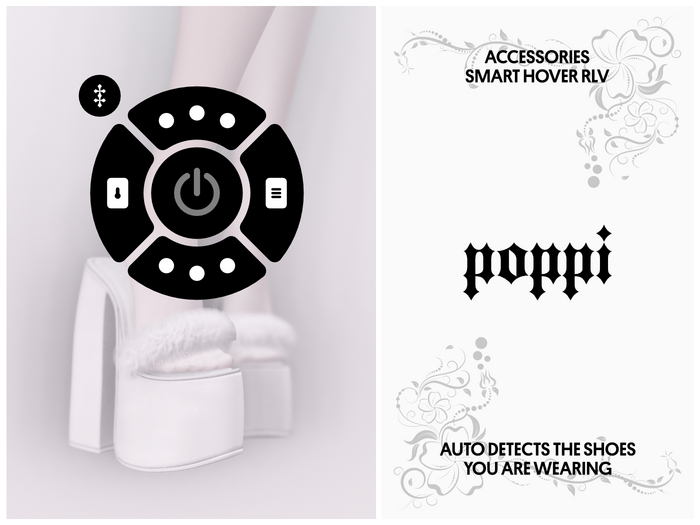

Smart Hover automatically adjusts your avatar’s hover height based on the shoes you’re wearing, eliminating floating and sinking issues. Smart Hover's sit-and-stand function temporarily resets hover to zero while seated - ensuring proper positioning even in heels - and instantly restores your saved height when you stand. Smart Hover also provides helpful feedback in local chat (visible only to you) and remembers your settings across relogs and teleports—making Smart Hover truly smart.
===============================================
AUTOMATIC HOVER DETECTION
===============================================
Add your shoes to the notecard with the desired hover value (example: My Shoe Name = 50). Smart Hover will automatically apply the correct hover every time you wear them.
===============================================
SIT & STAND FUNCTION
===============================================
When you sit, the hover value temporarily resets to 0 so your avatar sits correctly—even while wearing heels. When you stand, your saved hover value is instantly restored.
===============================================
HUD LOCK (RLV)
===============================================
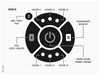
The HUD can be locked or unlocked using RLV. When locked, the HUD cannot be detached, preventing accidental removal during outfit changes. Unlock the HUD before making any edits or adjustments.
===============================================
DEFAULT HOVER VALUE
===============================================
Set a fallback hover value for when you are barefoot (example: DEFAULT = 0.0) or wearing unrecognized shoes.
===============================================
NEGATIVE HOVER SUPPORT
===============================================
Negative hover values are fully supported with Smart Hover.
===============================================
MODIFIABLE & RESIZABLE
===============================================
The HUD is fully modifiable. Resize or reposition it to suit your preference.
===============================================
RLV ONLY
===============================================
Smart Hover uses RLV functionality (eg. Firestorm), be sure RLV is enable in your viewer.
Instructions on how to enable RLV - https://www.youtube.com/watch?v=hBSIcJn9dJ8
===============================================
DEMO & MANUAL
===============================================
Always watch the demo video before making any purchases (no refund policy).
Below you can download the instruction manual, which we strongly recommend.
===============================================
▼
▼