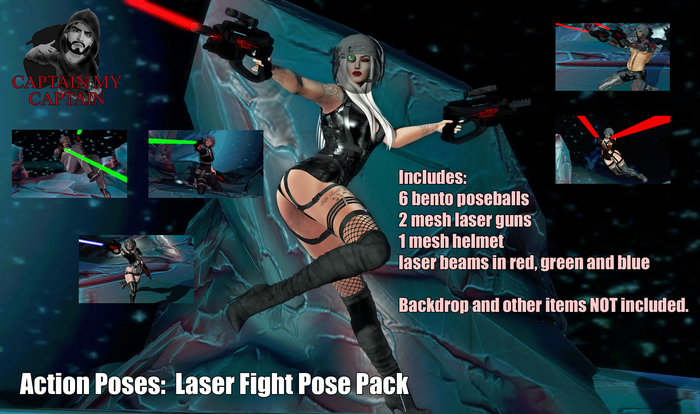


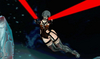
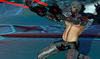
Included:
6 bento poseballs
2 mesh laser guns
1 mesh helmet
laser beams in red, green and blue
Rezz the poseball objects on the ground and sit on a ball to use it. Make sure you have turned off any AOs you were wearing and if you have bento hands, make sure are set to allow 3rd party permissions to control them.
You are going to need to adjust the locations of the poseballs.They are modifiable so you can adjust the position of the poseballs by editing them. While sitting on a poseball it becomes transparent. In order to edit them while you are sitting on them. right click on some nearby object and choose "edit" Once the editing window is up, hold down your left mouse button while dragging the area on and around your avatar. Any editable objects will appear outlined including the poseballs. Click on a poseball and begin moving by using the editing tools.
The mesh guns, laser beams and mesh helmet can also be moved and resized using the object editing tools.
The poses have a set priority of 3, so if you want to tweak a pose with some inworld posing tool like Any Pose or Animare, you will be able to.


