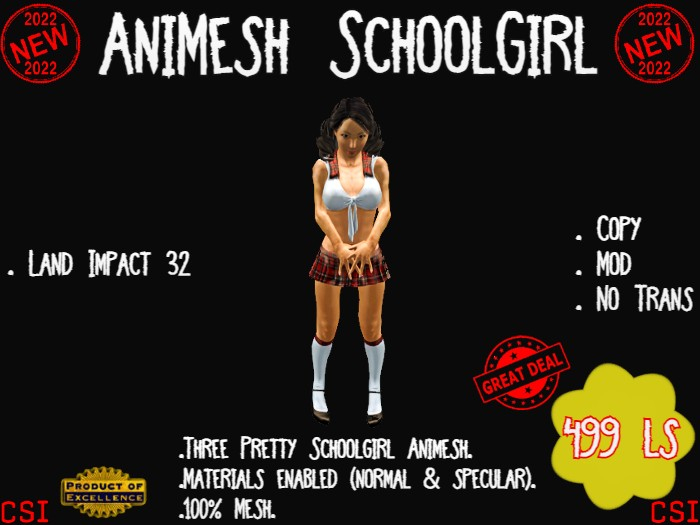




-AniMesh Schoolgirl-
Whats in the box?
-AniMesh Schoolgirl-
.1 AniMesh Schoolgirl(wear me) - 5 prim(land impact 32)
Copy/Mod/No Trans
.1 AniMesh Schoolgirl(dancer) - 5 prim(land impact 32)
Copy/Mod/No Trans
.1 AniMesh Schoolgirl(dancer/quiet) - 5 prim(land impact 32)
Copy/Mod/No Trans
- Without music.
.1 AniMesh Schoolgirl(follower) - 5 prim(land impact 32)
Copy/Mod/No Trans
-AniMesh Schoolgirl:
▶▶ You will need an Animesh enabled viewer to use this product!
▶ Three Pretty Schoolgirl Animesh.
▶ Materials enabled (normal & specular).
▶ 100% Mesh.
How to use AniMesh Schoolgirl(wear me):
===========================
➤ Add your 'AniMesh Schoolgirl(wear me)' in the center of your avatar.
- It will follow your avatar's movements and imitate them with its own animations.
➤ Touch your 'AniMesh Schoolgirl' to bring up the menu.
- Choose the 'Anims' button to select an animation to play for you is your 'AniMesh Schoolgirl'.
➤ You can also make sounds trigger when an animation plays, they can be set to play once on animation start and loop on animation start.
➤ Choose the 'Name' button to set its name.
● Tips:
⚫ You can add or remove animations in the '*Idle' notecard.
But the animations must appear in the notecard and in the inventory of your 'AniMesh Schoolgirl'.
⚫ You can add or remove animations in the '*Anims' notecard.
But the animations must appear in the notecard and in the inventory of your 'AniMesh Schoolgirl'.
⚫ You can also change the walking, flying, running animations ... etc
But you have to rename the animations exactly like in your 'AniMesh Schoolgirl' inventory.
⚫ You can add or remove sounds in the '*Sounds' notecard.
To configure a sound,you must first enter the name of the animation,followed by the uuid of the sound,followed by single or loop.
For example: Walking=Walk Sound=loop
How to use AniMesh Schoolgirl(dancer):
==========================
▶ Your 'AniMesh Schoolgirl' dances to 'Call Me Maybe' by Carly Rae Jepsen.
➤ Rezz your 'AniMesh Schoolgirl(dancer)'.
➤ In edit mode, adjust the height so that these feet touch the floor.
➤ Type '/73 on' in local chat.
To start animations and music.
➤ Type '/73 off' in local chat.
To stop animations and music.
How to use AniMesh Schoolgirl(follower):
===========================
▶ She walks, runs, flies, jumps, sits and squats with you.
▶ If you teleport or log out, she will be waiting for you.
▶ You can change its name and title.
➤ Rezz your 'AniMesh Schoolgirl(follower)'.
➤ Enter an offset vector in the description field.
- Here is an example: <-0.25, 0.75, 0.10>.
- This moves your 'AniMesh Schoolgirl' from the center of your avatar -0.25m behind, 0.75m left and 0.10m down.
- This can be entered while the script is running.
- Will update live as soon as you press enter.
➤ To change the name and title:
Type '/77 config' in the local chat to access rename menu.
- You can hide or show name,change text color and transparency.
- You can change the channel to access the menu.
-Look my others item
-Mesh, animesh,cars,gadgets,animals... is more.
-Enjoy-
* English translation by Google
- AniMesh Schoolgirl
- Three Pretty Schoolgirl Animesh.
- Copy/Mod/No Trans
- 499 ls
- 100% Mesh


