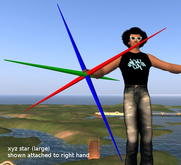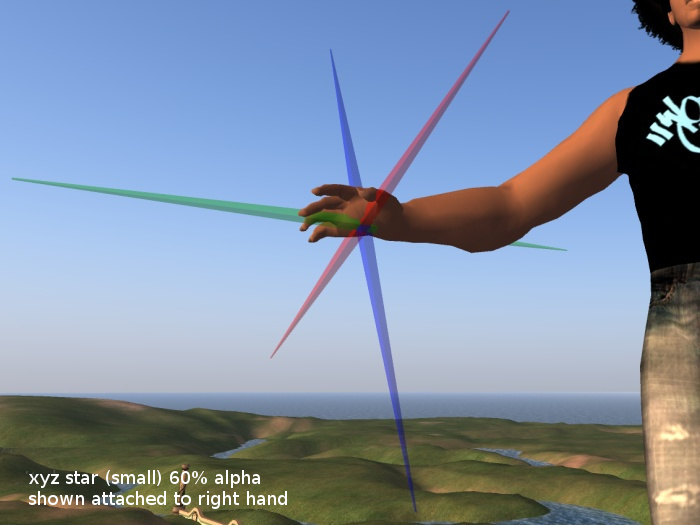

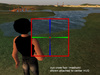
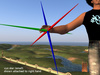


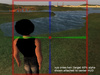
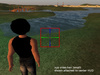
Have you ever attached a HUD or anything else, and couldn't see where it went?
These are intended to show the default position and orientation of body and HUD attachments. They have no scripts in them.
You can attach them to any part of the body or HUD to see where those attachments go.
- i0x0i Resident
~~~~~~~~~~~~~~~~~~~~~~~~~~~~~~~~~~~~~~
Technical details:
xyz star: 1 prim, 60 triangles, 3 land impact each.
Designed to be attached to any part of the avatar, showing the default attachment position for that body part.
xyz cross-hair: 1 prim, 172 triangles, 9 land impact each.
Designed to be attached to any HUD position, showing the default attachment place for that HUD position.
copy & modify enabled.
non-rigged, low-polygon count.
non-crumpling mesh, level of detail does not deteriorate as you zoom out.
The xyz star & cross-hair have three texture faces, one for each 3D axis. They come tinted red, green, & blue, as used in SL for each axis.
UV Maps are available for download (see the included notecard) if you would like to make customized textures.
Cost to upload source file: L$23
Made with Blender v2.79
- 3 Sizes
- Stars and Cross-Hairs
- Semi-Transparent Versions
- 100% Mesh
- Indicators