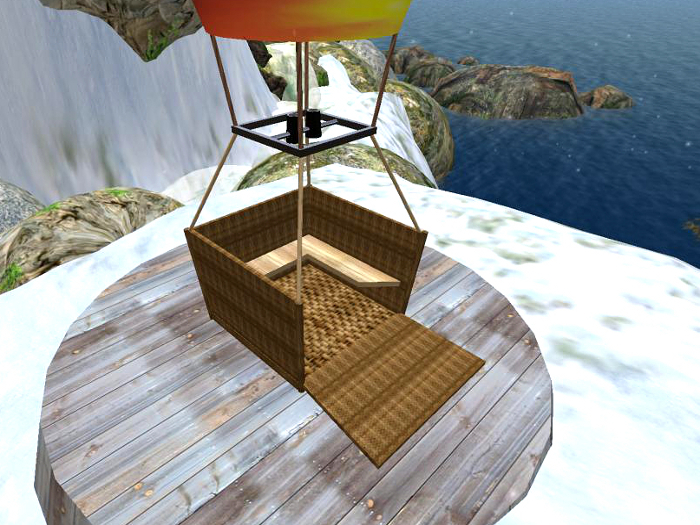
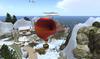
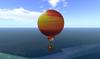
Balloon 24 prim (temp is flying)
Basis 1 prim
This is the "Ballon Guided Tour"
This balloon works across SIM borders!
It's the Ballon Guided Tour and the Taxi(path finder) included in this package. everything you need to offer an automated guided tour on your SIM
The Route must be configured of a note card.
Instructions for installing the - Ballon Guided Tour
The path that should drive the Ballon, you define yourself.
1. create a new notecard (Configure Balloon)
2. Determine the coordinates of the starting point, the turning point and the destination point.
For this purpose they fly in your "pathfinder taxi"
(the path finder taxi in the box) at each point, and click on the yellow pathfinder taxi.
Sit down in the yellow pathfinder taxi
!****Type help en chat to display help.****!
Menu appears on your screen
The menu is easy to use.
- "store pos" - stores the current position.
- "write list" - displays the list of the coordinates in the chat. These are copy and paste in the note carte.
- clear list - deletes the previously stored data.
3. example: See also Sample Test Notecard "Tour 1"
4. Then placed the new notecard in the inventory of the Ballon.
(Make sure this is just only one notecard in the inventory of the MESH_Ballon.)
5. Insert the balloon into the Rezbox "base". Before delete the existing balloon in the base!
6. Getting in, and after a few seconds it starts automatically
7. Then automatically rez a new balloon for extra guests.
I can help for a small fee even with the installation of the guided tour.
Preferably in German language, English only with translators
- automatic door
- sound


