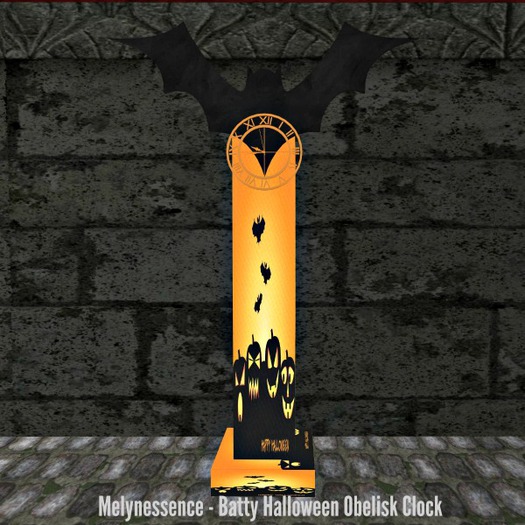

This is my Batty Halloween Obelisk Clock. Once rezzed if the time is not matching the current SL hour, click the clock face or the bat shape and choose the DST option to set it to Daylight Savings Time. It will set itself to SL time but can also be changed to many different time zones by clicking the clock and choosing the <<TZONE or TZONE>> options to change the hour. Check the notecard in the box for more information.
There are clock sounds that you can switch off and on via the menu. You can also increase or decrease the volume. There is also a particle option by choosing one of the SNOW options, either RED, GREEN, BLUE or YELLOW, those colors will be emitted from the clock face. Choose SNOW STOP to end those any of those particles. Only one particle color can be in effect at a time.
Finally, if you touch the base of the clock, you can change the textures on the obelisk (column), there are seven different spooky textures to choose from and one Happy Halloween texture.
See item in Second Life- Set Your Own Time Zones
- Low Prim
- Texture Change
- Optional Particles
- Optional Ticking Sounds


