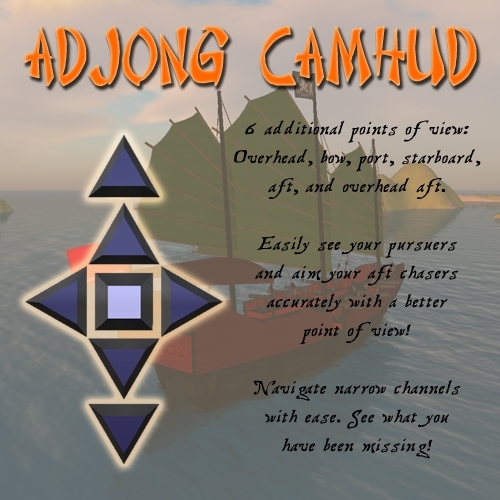

Captain Bedlam's Adjong CamHud
- pointing you in the right direction -
Thank you for your interest in Captain Bedlam's Adjong CamHUD. No longer must you fire blind and backwards to defend from pursuing combatants. No need to "cam around" using SL's vehicle unfriendly camera controls, the HUD locks your camera in place for steady aim!
In total, 6 additional points of view are included in this version of the CamHUD, giving you the ability to navigate through narrow spots, as well as see who may be closing in from behind. The 6 additional points of view are:
Overhead - A top/down view of your ship from overhead and slightly behind allowing you to navigate narrow passages with ease, and to see when the best time to fire your close range broadside!
Bow - A forward view just aft of the bow, providing better visibility for aiming your forward chasers.
Port and Starboard (forward facing) - Have you sometimes found it difficult to dock your ship without crashing into the dock? Or are you fighting the irons close to some hazard? The port & starboard views will give you the visibility you need to stay afloat!
Aft - Do you have a difficult time using your aft guns while sailing? The aft view points your camera through your aft gun portal, allowing you to see your target and your guns! You must be in motion for the camera to swing around to this viewpoint.
Overhead Aft - An elevated camera position, facing aft just behind the main mast. This view will give you an idea of what may be following you, or targets you may have missed. You must be in motion for the camera to swing around to this viewpoint.
To use Captain Bedlam's Adjong CamHUD, simply open the box, take the CamHUD into inventory, and wear it. It will appear on the lower left corner of your viewer screen.
You will see 6 arrow buttons and one square. The square will reset your camera to the default Adjong point of view, while the arrows will activate their respective camera viewpoints.
