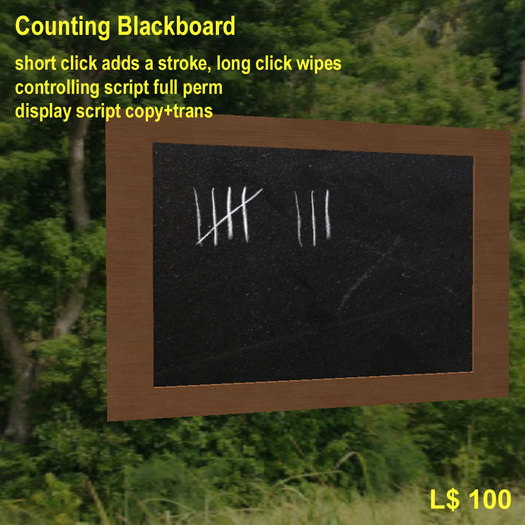

Thank you for purchasing the counting blackboard.
It's operation is simple:
a short click adds one
a long click (>1sec) wipes the blackboard
===========================================================
For the guys who plan to include the blackboard into
their own objects here is how to do this:
The blackboard is divided into prims, each prim can show
0 to 5 strokes. You need to name the prims according to their
ordinal number beginning at 0. That is, the leftmost prim
gets the '0', then next one the '1' and so on...
From your controlling script you have only one interface,
llMessageLinked (LINK_SET, LMBB_SETNUMBER, "<num>", NULL_KEY);
where <num> is the number to display. To wipe the board, simply
send "0".
Have a look at the full-perm-script that comes with the blackboard,
it is quite simple.
I wish you happy building & coding.
Peter.
