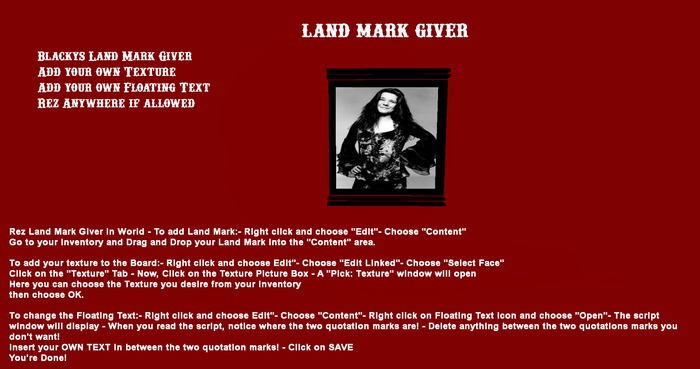
Rez Land Mark Giver in World
To add Land Mark:
Right click and choose "Edit"
Choose "Content"
Go to your Inventory and
Drag and Drop your Land Mark into the "Content" area.
To add your texture to the Board:
Right click and choose "Edit"
Choose "Edit Linked"
Choose "Select Face"
Click on the "Texture" Tab
Now, Click on the Texture Picture Box
A "Pick: Texture" window will open
Here you can choose the Texture you desire from your inventory
then choose OK.
To change the Floating Text:
Right click and choose "Edit"
Choose "Content"
Right click on Floating Text Icon and choose "Open"
The script window will display
When you read the script, notice where the two quotation marks are!
Delete anything between the two quotations marks you don't want!
Insert your OWN TEXT in between the two quotation marks!
Click on SAVE
You're Done!
- Add your Own Land Mark
- Add your own Texture
- Add your own Floating Text
- Rez anywhere, where allowed
