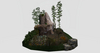
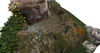
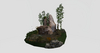
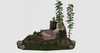
DEMO HERE
http://maps.secondlife.com/secondlife/La%20Palma/150/51/21
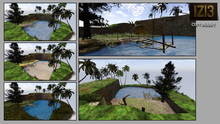
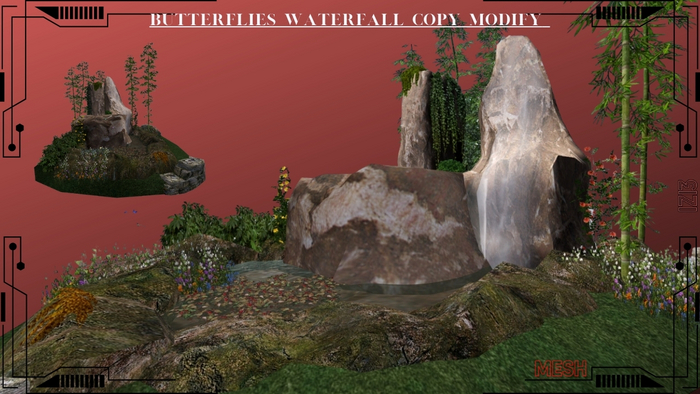
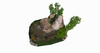
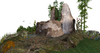
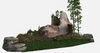
Object Name: Butterfly Waterfall
Size: <3.4459, 3.51074, 2.09896>
Land Impact: 72
Permissions: Copy / Modify
Features: Animated butterflies, animated water, natural rock + bamboo garden scene
1. Rez the Object
Drag Butterfly Waterfall from your inventory onto the ground.
Allow a moment for all animations (water + butterflies) to initialize.
Keep the object aligned to the world grid for clean placement.
2. Positioning
Use Edit → Move to place the waterfall exactly where you want it.
Adjust height so the base sits naturally on terrain or platform.
If placed indoors, ensure ceiling height accommodates the full <2.09896> height.
Lock the object once positioned to avoid accidental movement.
3. Animation Behavior
Water Animation
Water flow is continuous and loops automatically.
If you modify textures, keep animation settings intact to preserve realism.
Butterfly Animation
Butterflies are scripted to fly in a soft looping pattern.
If you reposition or unlink parts, ensure the butterfly prims keep their local offsets.
4. Restrictions (Optional)
You may add access or interaction restrictions depending on your setup:
Owner‑Only Interaction
Useful if you want only you to toggle animations or modify settings.
Group‑Only Interaction
Ideal for rentals or shared parcels.
Region / Parcel Restrictions
If placed on rented land, ensure scripts are allowed.
If scripts are disabled, butterflies and water will not animate.
See item in Second Life- jungle
- Waterfall
- Landscaping
- Sim
- Lion