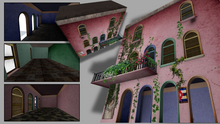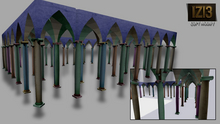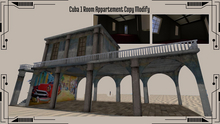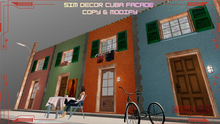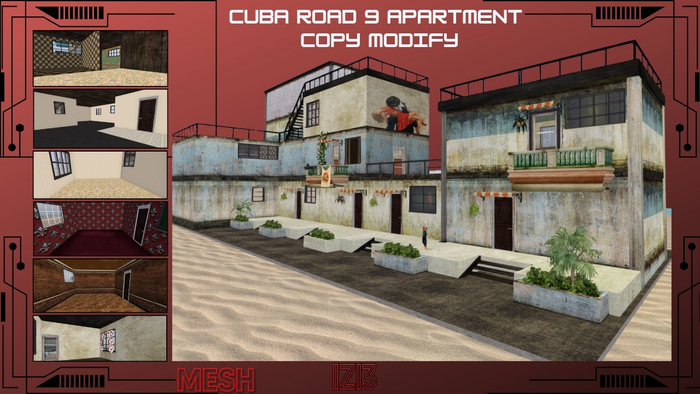
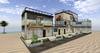
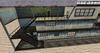
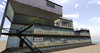
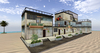
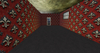
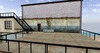
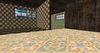
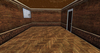

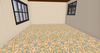
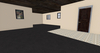
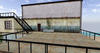
SEE DEMO HERE
http://maps.secondlife.com/secondlife/La%20Palma/167/58/1237
Object Name: Cuba Road 9 Apartment
Size: <3.49183, 3.95902, 1.17759>
Land Impact: 234
Permissions: Copy / Modify / Rez
Features: Full stair access to all floors, sliding doors, balconies, restrictions-ready
1. Rez the Apartment
Drag the object from your inventory onto the ground.
Make sure the bounding box matches the required size.
Keep the object aligned to the world grid for clean placement.
2. Positioning
Use Edit → Move to place the building exactly where you want it.
Adjust height so the base sits flush with the terrain or platform.
Lock the object once positioned to avoid accidental movement.
3. Stairs & Floor Access
All staircases are walkable; ensure physics shape is set to Prim.
If you duplicate floors, re-check stair alignment.
Avoid linking stairs to high-poly meshes that may break collisions.
4. Sliding Doors
Doors use horizontal slide logic.
Recommended script behavior:
Smooth slide using llSetLinkPrimitiveParamsFast
Auto-close timer optional
Owner-only or group-only access optional
Ensure each door prim has its own root-relative movement vector.
5. Balconies
Walkable balcony floors with proper collision.
Railings at safe height (1.2–1.4m).
Optional: add access restrictions per balcony.
6. Restrictions (Optional)
You can add:
Group-only access
Owner-only access
Whitelist access
Privacy zones (sensor-based)
Scripts typically use:
llDetectedKey
llListFindList
llSensorRepeat
7. Final Checks
Test all doors.
Walk all floors and stairs.
Confirm LI stays at or below 234.
Lock the build when finished.
See item in Second Life- Urban
- Hotel
- Structure
- Buildings
- Cuba