Join this new system!
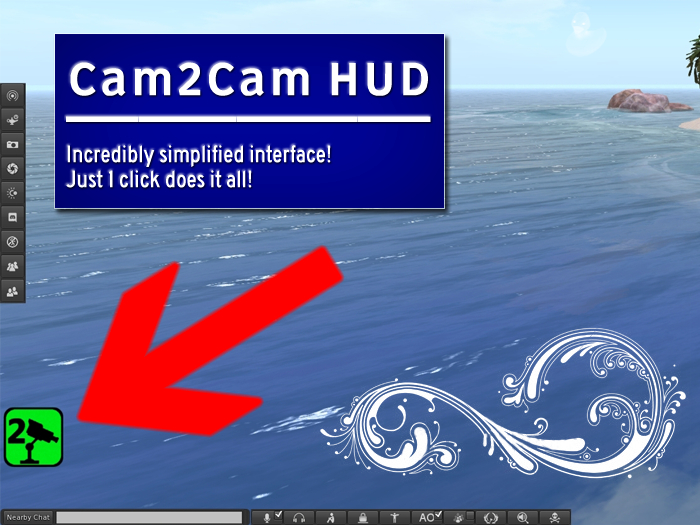
Incredibly simplified interface! Just 1 click does it all!
The same HUD serves to send and receive coordinates.
Each will need a copy of this HUD to participate.
****************************
It starts in green, which indicates the free camera.
Send function:
Clicking on the HUD, it turns red. Which indicates that others who are using the HUD will have the camera in the same position and angle as yours. Click again to update position.
Receive function:
When someone clicks on the HUD, the others who are wearing it turn yellow. Which indicates they received camera coordinates. Whoever is wearing the HUD, will have the camera in the same position and angle as the one who clicked. If they click again to update the position, it will be received and updated automatically. Even when yellow.
If it turned yellow and didn't update, press Esc to unlock your zoom.
Clicking it again it turns back to green, releasing the camera movement.
****************************
Keep in mind that there may be difference in camera opening angle.
(Ctrl+9 to return to default, Ctrl+8 and Ctrl+0 to adjust)
Viewer window size, monitor size, and screen resolution may also cause slight differences.
No unboxing. Ready to wear.
Thanks for sharing and for the faith!
- Camera Control HUD.
- Send camera coordinates.
- Receive and apply camera coordinates.
- All-in-one.
- Just one button.
