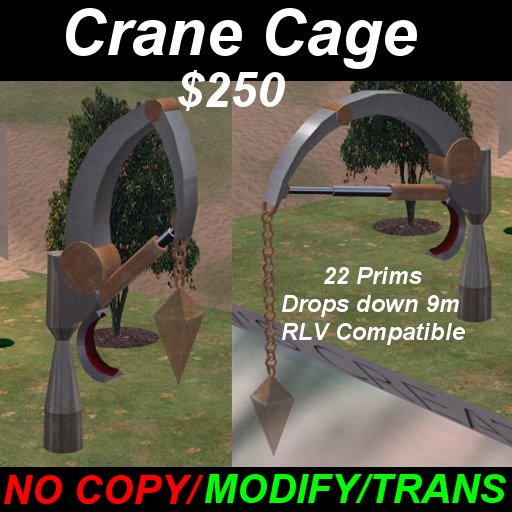

Setup:
You can set the access to who can use it by setting the object description to the following:
All - Anyone can operate it.
Else - Anyone but the person trapped in it can operate it.
Group - Anyone in the same group as the object can operate it.
Owner - Only the owner can operate it.
Basic control can be done by clicking and manipulating with a dialog box. However, choosing "Fine Controls" is recommended. By choosing fine controls you can move the cage faster, and in finer steps with the arrow keys. Also, by sitting in the operator's seat below the crane's arm, you will automatically be in fine controls mode. The dialog will still work in this mode.
Instructions:
Up: Arm Out Down: Arm In
Right: Turn Right Left: Turn Left
Page Up: Cage Up Page Down: Cage Down
Shift+Right: Close Shift+Left: Open
To be properly picked up, your victim should be running RLV and have a relay open. Otherwise they'll have to sit manually to be moved properly. When the cage is opened, they'll be prevented from flying or teleporting for 5 seconds to ensure a proper fall into wherever you happen to wish them to be.
Visit my shop at Pak (100, 55, 102)
http://slurl.com/secondlife/Pak/100/55/102
Henterman (18,34,41)
http://slurl.com/secondlife/Henterman/18/34/41/
