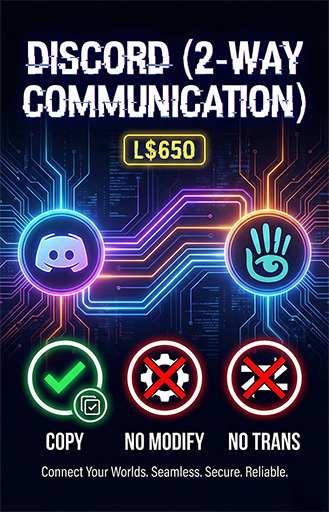

Thank you for choosing our software solutions. You have just acquired a high-efficiency dual-link system that allows you to send and receive messages between Second Life and Discord seamlessly. This ensures you stay connected with your community and visitors, even when you are offline.
To ensure the script works perfectly, please follow these simple setup steps:
Step 1: Get your Discord Webhook URL
Open Discord on your PC or Phone.
Go to your own server (or create a new free server).
Right-click the text channel where you want to receive messages.
Select Edit Channel (the gear icon ⚙️).
Go to Integrations -> Webhooks.
Click New Webhook.
Click Copy Webhook URL.
Step 2: Configure the Notecard
Create a notecard inside your object named exactly: Config
Paste your Webhook URL inside it on the first line as shown below: WEBHOOK=https://discord.com/api/webhooks/YOUR_LONG_WEBHOOK_URL_HERE
⚠️ CRITICAL NOTE: Please do not modify or delete any other details inside the notecard (specifically the HOST=... line). Simply paste your Webhook at the top and leave the rest exactly as it is. This ensures the secure "Reply" feature works correctly.
See item in Second Life- DISCORD (2-WAY COMMUNICATION)
- Send messages from second life to Discord
- Reply from Discord to Second life
