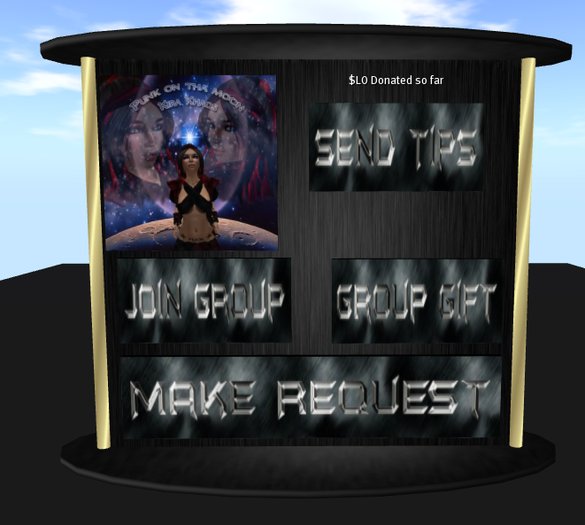

In order to get started with your new DJ board you will have to do a little tweeking to get it ready..
First off your going to want to go into edit mode on the tip board (NOTE: When you rez you will get a script error because there is no URL in the description field of the background, and hit edit linked prims.
You are going to click the prim with the pictures on it, delete the pictures inside, (try not to delete the script as you will have to start on a fresh copy if you do) and add your own pictures, you can add up to 10.
Now edit the join group button and change the description field to your groups UUID number.
Last but not least add all the stuff you want to the free items button contents, it will give the clicker a folder with all of the objects that are inside (it will not give out scripts). I have thrown in a little treat in there so you don't get a script error for it being empty when you rez it out for the first time.
Now you will want to go out of edit mode, and pick up your board, and rez it back to the ground so the scripts can reset, or if you dont want to pick it up you can stay in edit more, hit the tools menu at the top of your viewer, and hit reset scripts in selection, this will do just that, it will reset the scripts without you having to pick it up and make another copy of it in your inventory.
Also I wanted to note, there is a lot of tip boards I have seen with the request a song function, some give note cards, others actually let you request, but wont tell the senders name, this one will tell you the name of the person that requested the song, and has a note for the requester to give the artists name, so no IM's would really be required, comes in handy for those people who can never find the DJ ;)
Thanks for purchasing our DJ Tipping Board, and we hope you enjoy it, if you need any help setting it up please contact Kira423 Resident.


