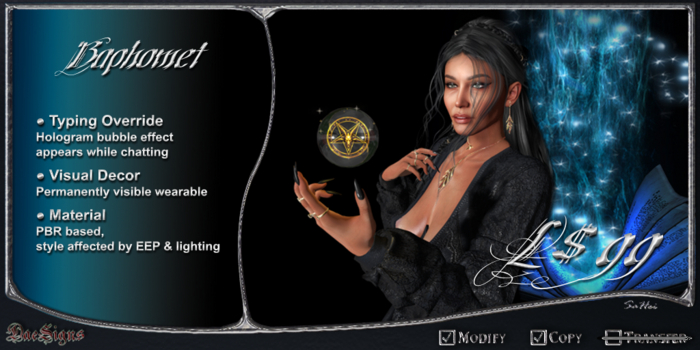

Baphomet is a typing hybrid device that can be worn as a typing effect or as a permanently visible visual effect.
Use the persist command to switch between modes.
Baphomet uses PBR materials, so surface shading may vary with different EEP and lighting setups.
*DS* Baphomet Commands:
/7help
Displays this help notecard and command overview.
/7reset
Resets the device and restores factory default settings.
/7adjust
Enters appearance mode.
Use your building tools to adjust position and size.
Rescaling is only saved while this mode is active.
/7persist on | off
Switch between typing mode and persistent display mode.
When enabled, the effect remains visible and ignores typing.
/7style gold | silver
Select the visual style.
/7sound on | off
Enable or disable the sound effect.
/7loop on | off
Select sound mode.
on = looped.
off = single play.
/7vol 0 - 10
Sets the sound volume from 0 (silent) to 10 (maximum).
Customization:
✣ To use your own sound, place a sound file into the object inventory.
✣ You can replace the default animation by adding your own animation to the object.
DEMO INWORLD
See item in Second Life View Video »