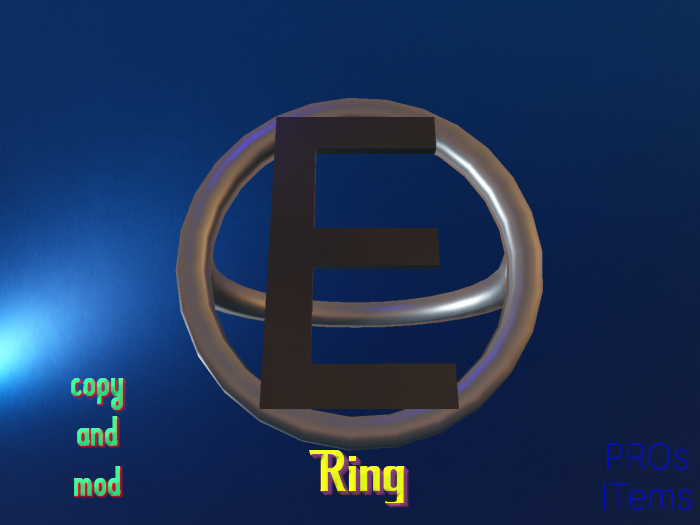










Ring with Letter E.
Just add, the ring will attach to a Bento joint (Right Ring Finger) but it works also with Classic Avatars.
Move and resize it just with Position and Rotation features under Object Tab in Edit Mode.*
Last pictures is an example of changed colors. to do that, in edit mode, select each face and change Tint in upper picker under Texture Tab>PBR.
For Blinn-Phong, use the Color Picker.
Ⓔ Mesh
Ⓔ LI 1
Ⓔ Copy & Mod
Ⓔ PBR & Blinn Phong Textures
Ⓔ Unrigged
Ⓔ Unscripted
* The choice of avoid using a Resizer Script is due to a better result with classic Stretch Features and to fight lag.
Created using Textures from AmbientCG.com, licensed under the Creative Commons CC0 1.0 Universal License.
NB All pictures show PBR Textures and they have been shot with Nacon's Dawn Sky.
- Mesh
- Copy & Mod
- Land Impact 1
- PBR & Blinn Phong Textures
- Unrigged & Unscripted
