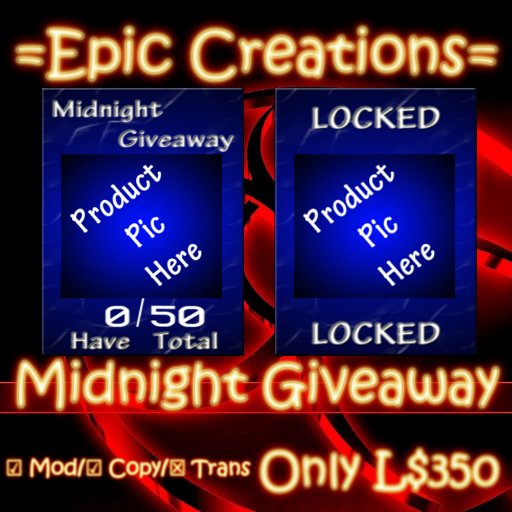

This Midnight Mania board is simple to setup. Just drop the prize you want to give out into its inventory and in the notecard next to product_name put the object's name. Then either drop the product's display texture into the inventory and put the texture's name next to product_texture or just paste the texture UUID for product_texture.
Here's a list of all settings available in the notecard.
=================================
Name Function
=================================
group_only Set to 1 for true or 0 for false
alert_owner Alert's the owner when the board is slapped. (great for keeping track if failed delivery.)
total_hits How many slaps before locking down.
product_name Put the item name here. Note: Case Sensitive
product_texture Put the product texture's name or UUID(keep it different from the product's name)
====================================================
Added functionality to choose your own textures.
====================================================
ready_texture Name or UUID of texture to use while accepting slaps.
process_texture Name or UUID of a texture to use for processing(giving out) the product
lock_texture Name or UUID of a texture to use when board is locked.
=====================================================
Dialog options:
=====================================================
Force Forces a givaway to everyone that was registered on tonight's givaway(only works if the goal was reached, otherwise will just send the "goal was not reached" error)
Reset Reset's the board
Re-Config Reread's the configuration notecard.
Thanks again for choosing =Epic Creations=
For any questions or feature requests contact Shawn Harcassle.
Soon to be added: Redelivery panel.
Ver el artículo en Second Life- Simple to setup
- Drives customers to your store
- Group only option
- Alerts the owner of the user


Exactly what I needed
Easy to set up and looks great in my store. I highly recommend it, especially at such a low price!