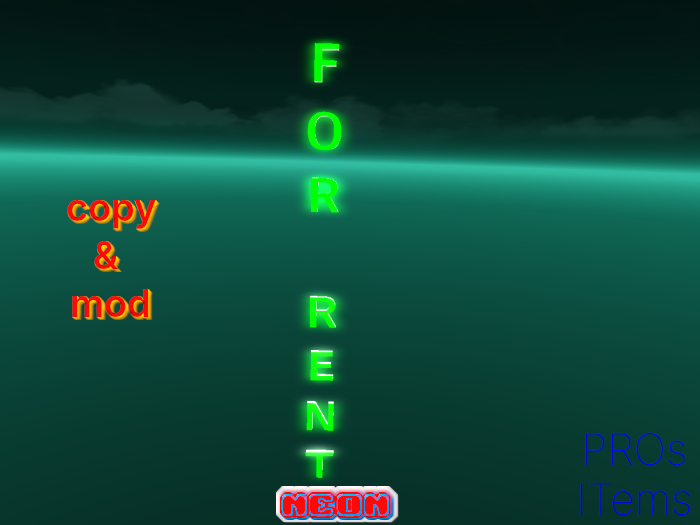
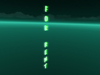
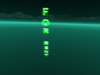
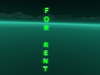
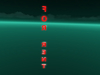
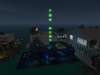
For Rent Rotating Neon.
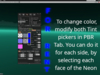
⚪ It comes with a color on each of its 3 sides (front, rear, back), of course you can tint all the neon in one color, or selecting each face: Edit>Texture Tab>PBR>Tint. Keep in mind to change both Tint of the same color to obtain the one you choose.
⚪ You may also set glow, always under Texture Tab, to your liking.
⚪ The Neon is visible also by non PBR capable viewers.
⚪ Rotation is slow, but you can increase it in the script: Edit>Content Tab>Open the script, change last number, before "PI", as shown in last pic.
The Neon comes with a detailed Notecard (see Content) with these instructions and even few more.
⚡ Mesh
⚡ Copy & Mod
⚡ Land Impact 1, increasing if enlarged
⚡ PBR Textures
Created using Textures from AmbientCG.com, licensed under the Creative Commons CC0 1.0 Universal License.
- Mesh
- Copy & Mod
- LI 1 up to to 3,45x0.55 mt.
- PBR Texture
- Scripted to make it rotate
