
Details
Features
Contents
Reviews
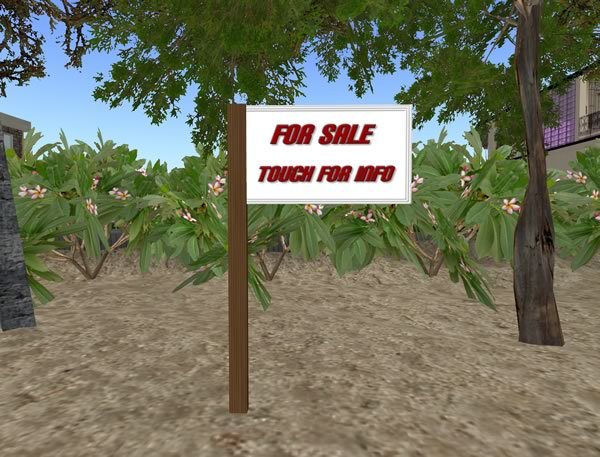
Simple 'For Sale' sign to put on your land or outside your house.
When a visitor touches the sign they will be given a notecard. You will need to edit the sign to change the information in the notecard...
1) Right click on the 'For Sale' sign and choose 'Edit'.
2) On the 'Build' control panel that pops up, choose the 'Content' tab.
3) Double click on the notecard called 'Sale Information'.
4) Change the text in the notecard to your own text.
5) Click 'Save' to save the contents of the note card.
6) Place the sign where you want it.
That's it!
Copy | Modify.

Average rating:
