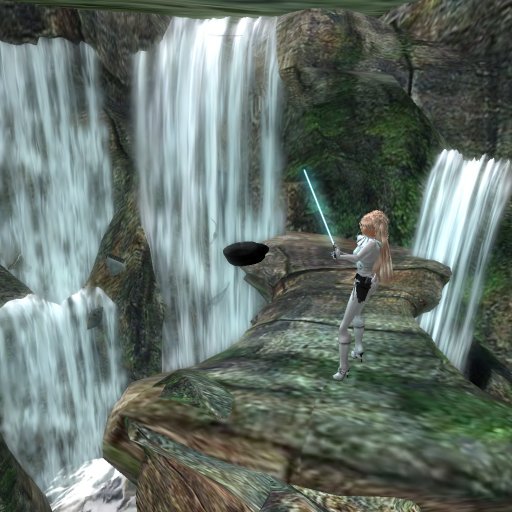

Force volley is a variation on force throw, where instead of throwing large objects or people, the targets of the throw are small debris laying around wherever you are. These small bits of debris get launched as projectiles at whoever you aim them at. The volley of debris hits lighter each time, but with sheer number of objects, it becomes difficult to get away from them.
This power is based upon a SWTOR jedi consular power, and is meant to emulate it as much as SL allows while still making it useful.
This power can be switched to respond to the left mouse button or the crouch button. It functions while being held down, and fires pieces of debris once every 0.1 seconds as lag in the sim allows.
To use this power, make sure you first have the force meter equipped, which will display your force (which is your ammo) with all force powers. Once you do this, you can activate the gesture at any time to begin using it. The only gestures included are a toggle and mode switching between crouch and mouselook, but all of the commands below function.
Commands:
/8 force volley toggle - Toggles the weapon on and off.
/8 force volley on - Simply turns the weapon on.
/8 force volley off - Simply turns the weapon off.
/8 force volley crouch - Sets the weapon to fire while using the crouch (C or PgDown) keys.
/8 force volley mouse - Sets the weapon to fire when holding down the left mouse button.
---------------------------------------------------------------------------------------------------------------------------
Notes on the "On Fire" and "On Stop" notecards. When you first hold down the button (useful mostly for crouch mode), it will call commands based on the information in the "On Fire" notecard, and when you release the button, it calls commands based on the "On Stop" notecard. Note that the source of the commands is the weapon, so if what you are trying to send commands to will only listen to your avatar, the commands won't work. The Lightsaber Blade Kit sold in our store -does- respond to commands from both the avatar and the avatar's items, so is compatible with these notecards.
Example of a setup where the weapon will automatically turn off your lightsaber and reignite it after you are done firing. This example works only in the sabers from our store.
On Fire notecard:
666:hold
On Stop notecard:
666:ls on
To add more commands, simply add new lines, and make sure all commands follow that format, where the section before the : is the channel, and the section after the : is the command.
- Fully RHCS Integrated
- Deals damage as a slugthrower
- Can be deflected
- Can set up commands when activating and deactivating for seamless transitions
- Works with the mouselook button or the crouch button (toggle-able)


This force power is amazeing.
Really, it's truely an awesome power. Well worth the 200L. It functions exactly like the specalized force power "Balistikinesis." It's very cool
