G General

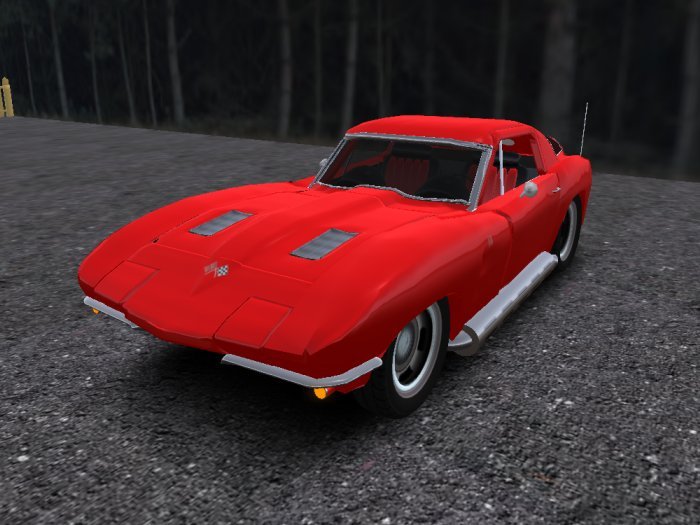
GB7 63 Red Devil

GB7 63 Red Devil
Detalles
Funciones
Contenidos
Reseñas

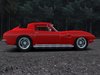
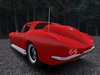
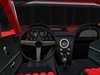
Here is a nice little vette to cruise around in that wont break the bank and still look good.
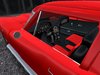
Passenger Pose!
1 of your friends can ride with you in this vehicle.

~~~~~ OPERATING INSTRUCTIONS ~~~~~
- For Owner/Driver Right Click any wheel & tire and jump in to drive. A pop up will ask if you want to allow to attach to you, select yes/ok.

Use PAGE UP & PAGE DOWN to select a gear you wish to drive in. 5 forward gears and 1 reverse gear.

While in driving mode or display mode, Left Click on the roof of the car to get a menu which will allow you to burn out, rev the engine, etc.

Once the BODY is attached, you will find an extra body in your OBJECTS folder. When done driving the vehicle, you may delete any extra BODIES. DO NOT DELETE THE CARS BASE!!! This car is copiable so make sure to keep a copy in a safe place that wont accidently get deleted or lost on glitchy sim crossings.

You can open/close hood & doors by the following:
Hood = click scoop or hood.
Doors = click either the inner or outer door handles

Only the owner can open/close doors,etc. You may have to click twice for the action to occur.

If you accidently click other areas of the body, the main menu will open. just ignore or use to choose a diff option.

NOTE: hood & doors only function correctly in display mode, DO NOT attempt to open/close them while driving/body is attached to your avatar or they will not work correctly. If this does occur, simply stand up and the base will rerez a new corrected body.

You may remove the car from the SIM by using the "DELETE" button in the main menu by left clicking the roof of the car. this WILL NOT delete the car from your inventory, only remove it from in world.

- For Passengers RIGHT CLICK the pose ball and get in to go along for the ride. Simply stand up when finished riding.

Ver el artículo en Second Life
  • Ready to Cruise
  • Opening Doors & Hood
  • Passenger can Ride
  • Hot Rod Sounds
  • Classic Looks