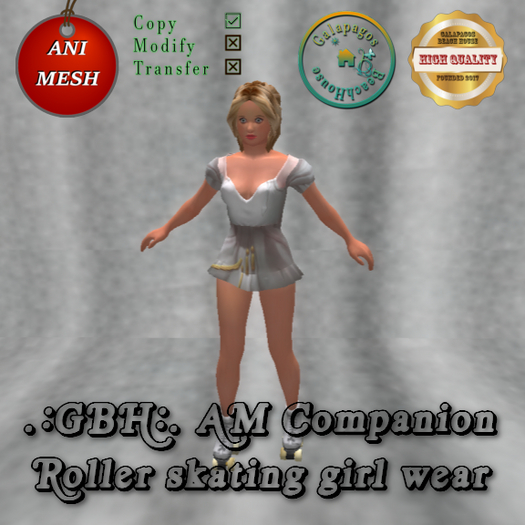


The AM companion roller skating girl is 46 li 6 prims
Add on the animesh companion roller skating girl. It will appear on your
right side. Edit it's hover and pose on your body as you edit an object.
Add on you the roller skating animation HUD. It will appear on your screen right side. Off your personal AO. The girl animation HUD and the roller skating animation HUD include the same animations.
Touch right click the girl in your inventory "Worn" folder when you want
to chose it's animation, or click the girl right click in first. Then you get a cyrcle menu on your screen. Touch the "More" button left click and you
get a cyrcle menu again. Touch the "Touch" button right or left click and you get the animesh menu on your screen.
Touch the "Name" window on the menu. Add a name to your girl: write a name and submit it. The name will hover over the girl. When you write
nothing into the window and submit, tha name will hide over the girl.
Touch the girl right click and get the cyrcle menu, touch the "More" button on the top and click it again right click. You get the animesh
menu on your screen.
Touch the "Anim" button and chose it's animations. Wear on the animation HUD. Chose the same animation with the girl.
Enjoy the roller skating girl!
I made the girl in Blender/Avastar modeling program.
If you have a question write me an IM or NC inworld. I will help you to use the girl and the HUDs.
Magnolia511
.:GBH:. Galapagos Beach House Store owner
modeler, creator


