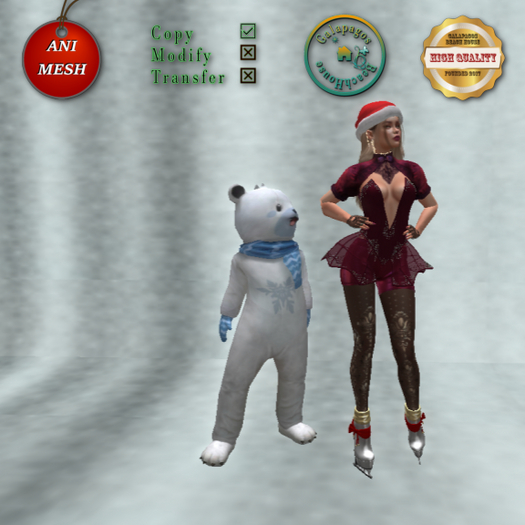


The animesh companion Snowflakes bear does not use land impact when you use, when you put on your land is is 22 li 1 prim.
The animesh shoulder Snowflakes bear will appear on your left shoulder, but you can to edit on left shoulder in edit mode.
The big, middle and small size Snowflakes bear will appear on your left side on your body. Edit it's hover on your body in first.
The shoulder Snowflakes bear's hover maybe different because it's animations made by different animators and it is a very little animesh. Edit its hover for all animations when you wear it.
Touch the bear in your inventory into the "Worn" folder right click. Click on "Touch" and you get the animesh menu on your screen.
Click the "Name" button: when you write a name and submit it's name will hovering over the Santa. If you write nothing into the window, the name will nothing.
Touch left click th "Anims" button and you can choose the animations.
When you close the menu, you need open all the time when you want to
changer its animations.
Enjoy the Snowflakes bear in the Chrimstmas and winter time and have a merry Christmas!
If you have any question write me an IM or NC inworld
I made the Snowflakes bear in the Blender/Avastar application.
Magnolia511
.:GBH:. Galapagos Beach House store owner
modeler, creator


