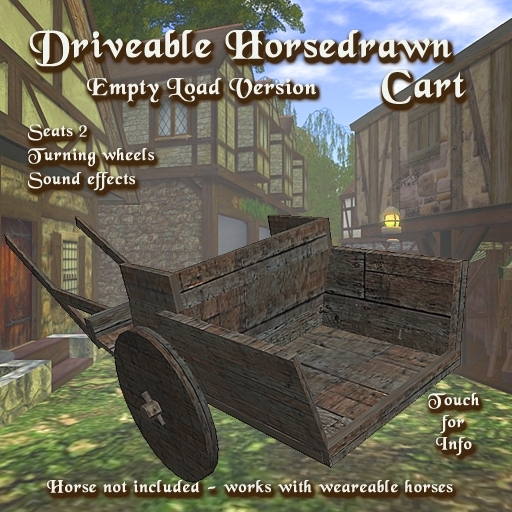

IMPORTANT NOTE
This cart is not supplied with a horse. You will need a WEARABLE and COPIABLE horse purchased from one of the equestrian merchants in SL, such as AKK. You will be modifying the position of a copy of your horse so that you can use that copy with the carriage each time. You can drive the carriage without a horse if you don't mind looking silly :-)
To operate the Horsedrawn Cart:
1) Rez it on the ground.
2) Select your horse in inventory and 'Wear' it.
3) Sit in the right-hand seat to drive it
PERMISSIONS MENU
If you are the owner and you left click on the cart you will get a menu asking you to choose Owner, Group or All to drive it (Owner is the default). 'Group' is for restricting drive use to people wearing the same group tag as the cart, and 'All' is for anyone to drive.
If people do not have the correct permissions, they can sit in the carriage, but they will be unable to drive it.
INITIAL HORSE SETUP
If you are using your horse with the cart for the first time, you will need to change its position so that it is placed between the bars of the cart. To do this:
1) Rotate the cart so that it is oriented North-South. This makes adjustment easier.
2) Make a copy of your horse if you have not already done so. This will become the cart version of your horse.
3) Select your horse in inventory and 'Wear' it.
4) Sit in the cart (r/h seat) whilst wearing the horse. You will appear to be sitting both on the horse and on the cart seat at this stage.
5) Select your horse in Edit and move it from under you, positioning it between the cart bars, and at the correct height. You cart should now be useable.
Note: When you have finished driving the carriage, Detach the horse back to inventory. This modified version of your horse will keep its cart position for next time you 'Wear' it.
This product features an automatic update service.
