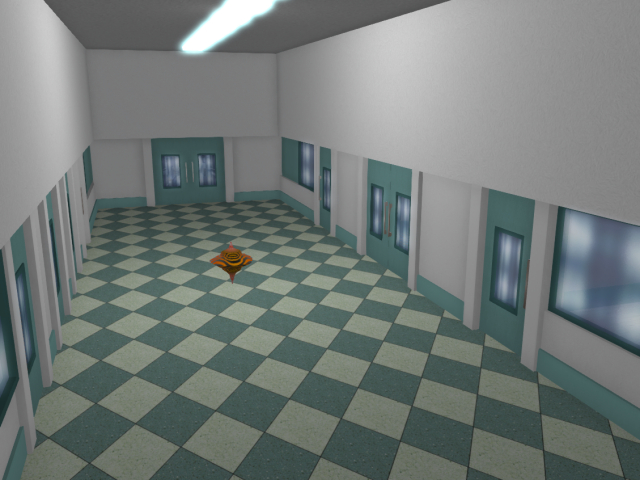
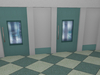
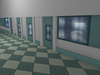
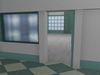
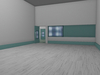
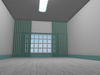
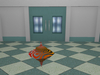
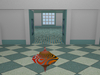
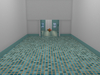
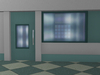
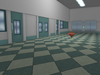
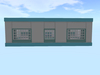
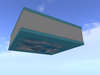
A skybox in the shape of a small hospital. It features a corridor and three rooms for hospital wards, an operating room, a procedure room, or a doctor's office. The corridor has three walls with decorative doors (the doors don't open) that simulate hospital rooms behind them, an extension of the corridor, and elevator doors. Three doors on the last wall open into real small rooms. These doors can be opened by touching them or simply pushing them with your body. The doors close automatically after a few seconds. The blinds on the windows can't be closed; they're decorative. The windows are real, transparent, and you can either view the day and night cycle from outside or place a landscape image in front of them.
You can't shrink the skybox while its parts are linked. The thickness of the interior walls prevents this. However, after saving, you can disassemble the skybox and rebuild it however you like (if you have the Builder skill). All parts are modifiable, and you can change their textures and configuration of building. You can build a large hospital from the existing parts if you add stairs and a facade to it.
******************
Size - 31 x 31 m (good for a standard square plot of land measuring 1024 sq. m.)
Land impact - 69 prim
Instructions for installing Skybox:
1. Rez the rezzer on the ground or on the prepared platform in the sky.
2. Touch the rezzer and select the Rez in menu. Do not close the menu.
3. When Skybox appears, move it the way you need. Move the rezzer, everything else will move automatically
4. Press the "Save" button in the menu. Remove the rezzer.
