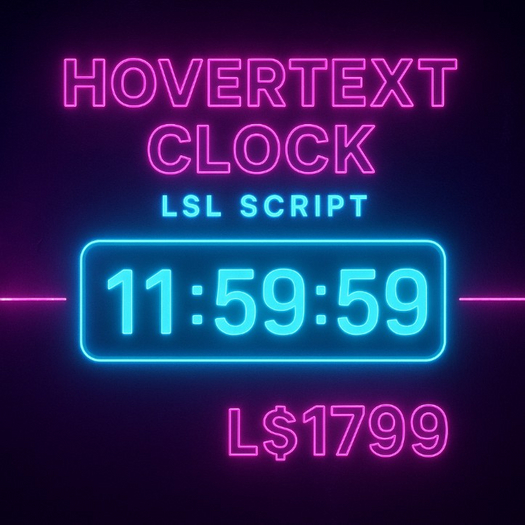


Bring life, functionality, and a touch of realism to your Second Life creations with the HoverText Clock LSL Script by Jubaerk — a beautifully simple yet effective script that displays the real-time clock directly above any prim in glowing hover text. Whether you’re building a modern virtual office, managing an event venue, or creating stylish décor for your store, this timekeeping script ensures your objects look smart and functional.
This script is perfect for creators who want to add dynamic real-time displays without any external dependencies or complex setup. Once dropped into an object, it automatically shows the local PST time in a clean, digital format (HH:MM:SS) and updates every few seconds for accurate tracking.
The HoverText Clock is written with clarity and efficiency, making it ideal for both beginners learning LSL and advanced builders who want a lightweight, reliable clock display system. With Copy/Mod permissions, you can freely adjust, tweak, and integrate it into your own builds or products — no need to start from scratch.
Inside the code, the script uses llGetWallclock(), a native Second Life function, to fetch the current time of day based on the region’s clock in seconds. This time is then processed through basic math functions like llFloor() to convert it into readable hours, minutes, and seconds. The result is then presented as floating hover text above your object — automatically updating every two seconds to stay perfectly synchronized.
The script also includes an elegant 12-hour conversion system, ensuring the time display looks natural and intuitive, avoiding confusing 24-hour readouts. With leading zero formatting (for single-digit minutes or seconds), the result is a crisp, modern digital clock look that fits any environment — from futuristic cyberpunk lounges to realistic home or shop settings.
Its zero-configuration setup means even non-scripters can use it effortlessly:
Drop the script into any prim or object.
The hover text automatically begins displaying time.
Enjoy a live, accurate digital display — no buttons, no menus, just pure simplicity.
You can modify the script to change text color, size, refresh rate, or time zone, giving you complete control over how it fits into your scene. For instance, you can tweak llSetText(time, ZERO_VECTOR, 1.0) to customize text color or transparency, or adjust the timer interval for smoother updates.
Whether you’re creating a public space, designing gadgets for sale, or just want to learn LSL scripting, this HoverText Clock Script is both practical and educational. The comments throughout the script make it easy to understand, showing what each function does — a great resource for learners and creators alike.
It’s not just a clock — it’s a clean example of how to handle time-based functions and dynamic visual updates in Second Life. Perfect for anyone looking to enhance realism or automate simple displays in-world.
By purchasing this script, you also get the benefit of:
Efficient, lag-free design (low script time and lightweight runtime).
Readable, well-documented code, easy to adapt for custom projects.
Flexible modification rights, allowing integration with other systems (like HUDs, event boards, or store displays).
A great way to learn LSL scripting basics, including variables, conditionals, string formatting, and hover text control.
Give your builds a professional, functional edge with the HoverText Clock Script — a must-have utility for any Second Life creator, builder, or scripter who values precision, clarity, and reliability.
- Real-Time Hover Clock Display: Automatically shows the current PST time
- It floats hours, minutes, and seconds
- Lightweight & Lag-Free: Runs efficiently with minimal region impact.
- Copy/Mod Permission: Fully customizable —edit, tweak, or integrate
- Instant Setup: Just drop it into an object — no configuration or setup menus