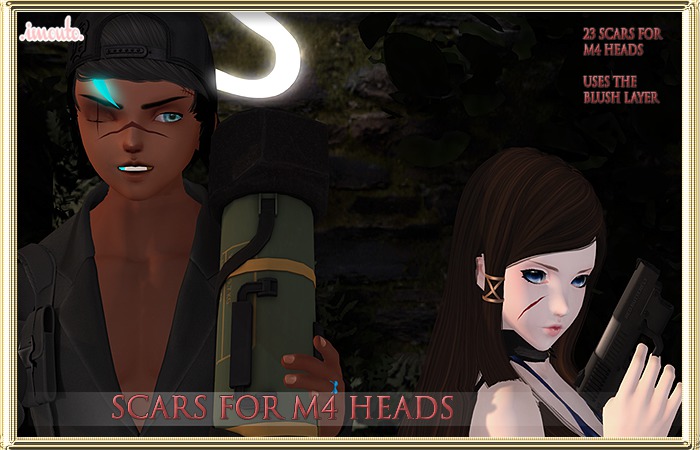


Just a set of 23 hand drawn anime style scars for the M4 head range. Works best on the m4 Venus anime head and recommended for this head.
The scars are slightly tintable to be made darker, but due to the way they were drawn and colored, they won't be going lighter.
The more diferently shaped the head is, the more
the scars deviate from what they are meant to look like eg, M4 Chibi.
From my testing, almost every head works, some of the scars from Set 2&3 deform on the M4 anime & M4 chibi heads, anything that gets too close to the forehead or the lips will not be in the right positions so that's something to be aware of!
Do be aware as it is a blush layer, it will look raised if you look on the side view, but looks fine on the front view.
To use:
1) Make sure your wearing your head hud, and there should be a "Blush off" button under the eyes. Make sure that you always go to "Blush 1" to get the blush layer to work.
2) Add or rez the appliers and click it, select the "Blush" option and pick whichever you want. If it doesn't load make sure you have "Blush 1" selected! You can switch between the blushes while you have Blush 1 visible.
3) To completely remove the scars, just click the Blush button and go to another one of them. Click the button until you get back to "Blush 1" and you can apply them again.
4) If some of the options in Scar Set 3 seem like they aren't loading, options 4,5,6 are small scars on the lips, so make sure you zoom in and see. These however look really deformed on the chibi head.
