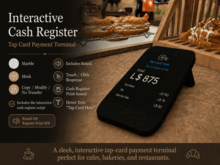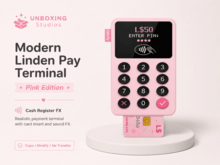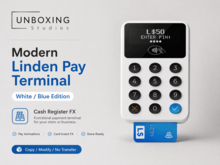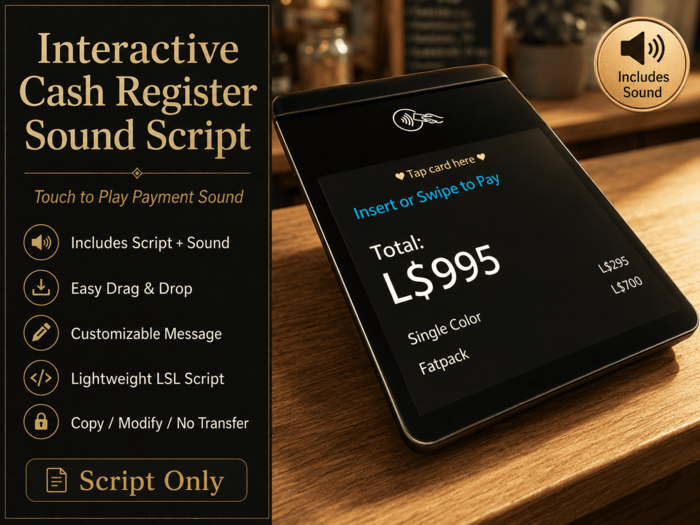
Add a simple interactive payment effect to your Second Life cafe, shop, booth, or event space.
This product includes a lightweight LSL script and a cash register sound effect. When the object is clicked or touched, it plays the included sound and can display a short thank-you message in local chat.
Perfect for:
• Cafe cashier counters
• Shop counters
• Tip jar areas
• Event booths
• Roleplay stores
• Payment displays
• Reception desks
• Interactive decor
Features:
• Click/touch interaction
• Plays included cash register sound
• Optional thank-you message
• Easy drag-and-drop setup
• Lightweight LSL script
• Beginner-friendly
• Customizable message
• Customizable sound name and volume
How to use:
1. Rez your cash register, payment sign, counter object, or decor item.
2. Drop the script and included sound into the object's contents.
3. Click/touch the object to play the sound.
4. Edit the script if you want to change the message, sound name, or volume.
Included:
• Cash Register Sound Script
• Cash register sound effect
• Basic setup notecard
Permissions:
Copy / Modify / No Transfer
Important:
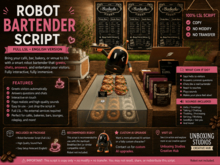
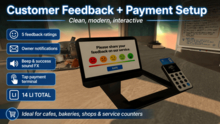
This is a script and sound product. Cash register object, counter, decor, or display items shown in images are for display example only and are not included unless stated otherwise.
You may use this script in your own Second Life objects and builds. You may not resell or redistribute the script or sound as a standalone product.
Ver el artículo en Second Life- Interactive cash register sound effect
- Click/touch to play sound
- Optional thank-you chat message
- Easy drag-and-drop setup
- Includes sound file