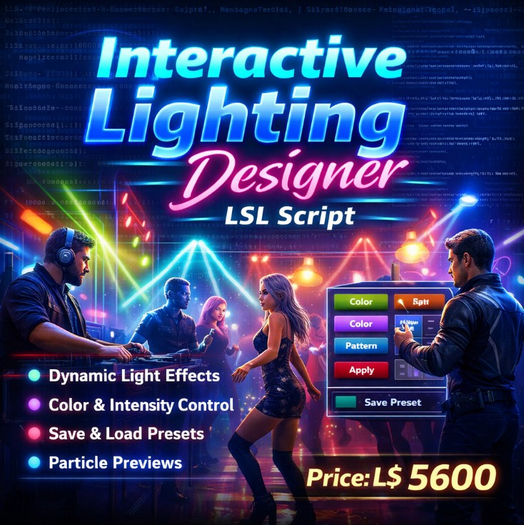

The Interactive Lighting Designer LSL Script is a powerful and flexible lighting control system designed for builders, club owners, event venues, photographers, and content creators in Second Life who want complete control over lighting across linked prim objects. Created by Jubaerk, this advanced script transforms any linked build into a fully customizable lighting system that can be controlled through an easy interactive menu interface. Instead of manually editing light settings on every prim, this script allows you to instantly design, preview, and apply professional lighting effects to multiple linked prims at the same time. The system supports advanced light configuration including color control, intensity adjustment, range tuning, falloff control, dynamic lighting patterns, particle-based preview visualization, and customizable lighting presets that can be saved and loaded at any time. Once the script is placed inside the root prim of a linked object, the owner can simply touch the object to open a user-friendly lighting designer menu that provides full access to all configuration tools. The target selection system allows you to choose exactly which linked prims should receive lighting effects. You can select all links, root prim only, child prims, or browse individual links one by one using toggle or add controls. This level of targeting precision makes the script extremely useful for complex builds such as stage lighting rigs, club environments, decorative buildings, sci-fi installations, or architectural lighting designs. The lighting designer includes a complete color preset system with professionally tuned lighting colors such as white, warm light, cool light, red, green, blue, magenta, cyan, and amber. These presets allow creators to instantly change the mood of a scene without manually adjusting color values. For creators who want deeper control, the script manages lighting intensity with adjustable increments so users can fine tune brightness from subtle ambient lighting to powerful spotlight effects. Range controls allow lights to reach across small decorative objects or illuminate large environments, while falloff settings determine how smoothly the light fades into darkness, creating realistic or dramatic lighting depending on the design goal. One of the most powerful features of the Interactive Lighting Designer is its dynamic lighting pattern system. Instead of static lighting, creators can add movement and energy to their builds using multiple animation patterns including Steady light, Pulse lighting, Strobe effects, and Wave lighting patterns. Pulse mode smoothly fades the light in and out to create atmospheric lighting transitions perfect for lounges, clubs, or relaxing environments. Strobe mode rapidly alternates brightness for energetic dance floors, DJ stages, and party environments. Wave mode creates a rhythmic flowing lighting pattern that adds dynamic ambience to modern builds or sci-fi environments. These patterns are automatically handled by the script timer system so the lighting effects animate smoothly without requiring manual updates. Another professional feature included in this script is the particle preview system which allows creators to visualize lighting coverage before finalizing the design. When preview mode is enabled, particle effects display the approximate light area and movement, making it easier to design lighting layouts without guesswork. This is particularly useful for large builds, club stages, concert venues, or immersive installations where multiple lights must be positioned and tuned carefully. Once the lighting configuration is complete, the settings can be saved as reusable presets. Each preset stores color, intensity, range, falloff, and pattern configuration so designers can quickly switch between multiple lighting styles. For example, a venue owner might create separate presets for daytime lighting, evening ambience, party mode, DJ performance mode, or special events. Presets can be saved with custom names and loaded instantly through the menu system or through chat commands, allowing quick changes during live events or performances. The script also includes advanced link selection commands through chat, allowing builders to manually assign lighting to specific prim numbers for precision control. This makes the system suitable for large linked structures where different sections require unique lighting configurations. The script is optimized for performance using fast link parameter updates and efficient timer usage so lighting animations remain smooth even in complex builds. Because the system works directly with linked prims, it can control lighting across entire objects such as stage lighting rigs, architectural structures, decorative builds, vehicles, or futuristic installations.
- • Interactive lighting control menu for linked prim builds
- • Dynamic lighting patterns: Steady, Pulse, Strobe, Wave
- • Multi-prim targeting with precise link selection tools
- • Save and load custom lighting presets instantly
- • Particle preview system to visualize light coverage